
Business emails have become the number one target for fraudsters. A single compromised inbox can grant access to your invoices, customer contacts, passwords, and even your bank accounts. For a small or medium-sized enterprise (SME) in Trois-Rivières or elsewhere in the Mauricie region, a hacked email is not a minor technical issue: it's a gateway to your entire business.
The good news is that a hacked email almost always leaves traces. By learning to recognize them, you can react before the damage spreads. Here's how to tell if your email has been hacked, how to check it in minutes, and most importantly, what steps to take right away to regain control.
Quick answer: To find out if your email has been hacked, watch for the signs: emails sent without your knowledge, password reset requests you didn't make, logins from unknown locations, and contacts receiving strange messages in your name. Check your address with a data breach service, change your password immediately, and enable two-factor authentication.
1. Signs of a hacked email
A hacked email often gives itself away through small, suspicious details. The sooner you spot them, the sooner you can limit the damage. Here are the most common signs to watch for in your Microsoft 365, Outlook, or Gmail for work inbox.
- Emails sent from your account that you never wrote.
- Your contacts are reporting strange messages or suspicious links coming from your address.
- Emails that disappear or end up in the trash for no reason.
- Inbox rules created without your knowledge, for example to automatically forward or delete certain messages.
- Password reset requests that you did not initiate.
- An unusual connection alert from another country or a device you do not recognize.
If you notice even one of these signs, treat the situation as an emergency. A patient hacker can monitor your communications for weeks before striking, often around bill payment time.
2. Check if your address is listed in a data breach
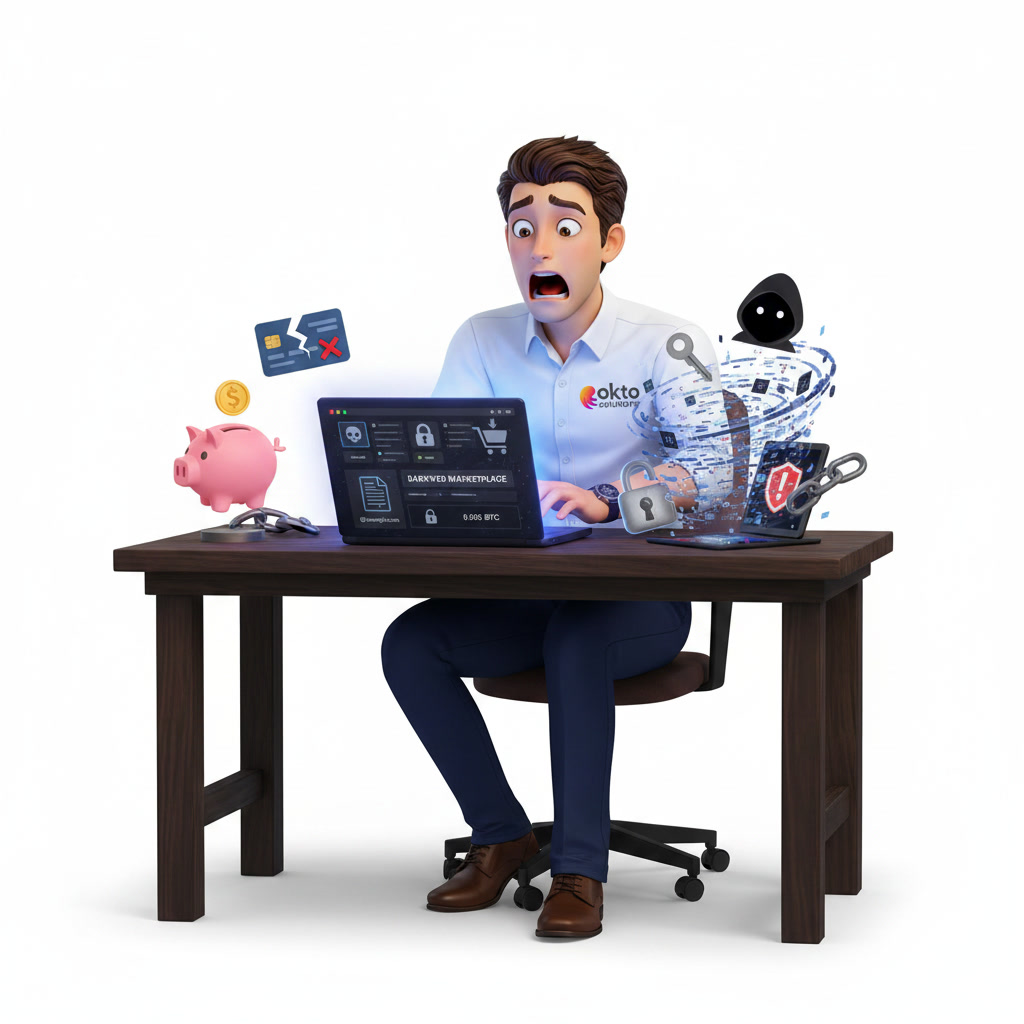
Many accounts aren't hacked directly: your email address and password end up in a data breach from another site and are then resold. These lists circulate on the dark web and are used by fraudsters to try to log into your other accounts.
To check, use a reputable leak monitoring service like Have I Been Pwned, which lists billions of compromised email addresses from known breaches. Enter your work and home email addresses. If it appears, consider the associated password public and change it wherever you've reused it.
The real danger is reusing the same password across multiple services. One hacked website and all your accounts become vulnerable. That's exactly what hackers exploit.
3. What to do immediately if your email is compromised
When you're certain, or even just suspect, that an email has been hacked, time is of the essence. Every hour gives the fraudster the opportunity to send fraudulent invoices or hack other accounts. Follow these steps in order.
- Change your password immediately, from a clean device, with a long and unique password.
- Enable two-factor authentication to block any reconnection by the hacker.
- Check and delete any automatic forwarding or deletion rules created in your mailbox.
- Disconnect all active sessions to expel the intruder from your devices.
- Warn your contacts and clients that they may receive fake messages in your name.
- If sensitive data is involved, document the incident in view of your obligations under Law 25.
For a business, these actions quickly become complex, especially with multiple employees affected. A managed IT services can secure all accounts, analyze the extent of the breach, and restore trust quickly.
4. How to protect your emails permanently
Responding to a hacked email is good. Avoiding it is better. Most breaches can be prevented with a few basic measures applied throughout the entire company, not just to management.
- Enable two-factor authentication on all Microsoft 365 accounts, without exception.
- Use a password manager to generate unique and complex passwords.
- Train your employees to recognize phishing, the main entry point for pirates.
- Set up advanced email filtering to block malicious messages before they arrive.
- Monitor suspicious connections and set up automatic alerts.
These safeguards require regular monitoring. If your SME doesn't have an in-house IT team, it's worthwhile to outsource this monitoring to a local partner. Don't hesitate to contact a specialized team to assess your current risk level.
5. Why are SMEs in the Mauricie region targets
Many business leaders believe their company is too small to attract hackers. This is precisely what makes them easy targets. The attacks are automated: fraudsters cast a wide net and strike the least protected companies, regardless of their size or location.
In Trois-Rivières, as throughout Quebec, SMEs handle valuable data: bank details, customer personal information, and contracts. A hacked email can lead to wire transfer fraud, identity theft, or reputational damage that is difficult to repair. Investing in prevention is always less expensive than managing a crisis.
Frequently Asked Questions
How can I tell if my email address has been hacked for free?
Enter your address on a service like Have I Been Pwned, which will tell you for free if it appears in a known data breach. Also watch for direct signs: suspicious emails, login alerts, and unsolicited reset requests.
My email has been hacked, should I create a new address?
Not necessarily. In most cases, changing your password, enabling two-factor authentication, and cleaning up your rules is enough to regain control. Creating a new email address complicates management and doesn't prevent future compromises if bad habits persist.
Can a hacked email infect my computer?
The account itself doesn't directly infect the device, but hackers use it to send malicious attachments or links. If you clicked on a suspicious link, have your computer scanned by a professional to rule out spyware.
Protect your business emails in Trois-Rivières
A hacked email never arrives at a convenient time, but with the right reflexes and a little support, your SME can recover and emerge better protected. Our team in Trois-Rivières helps businesses in the Mauricie region secure their Microsoft 365 accounts and train their employees. Discover our cybersecurity and IT management services or contact us for a quick assessment of your situation.