
An email that appears to be from your bank. An urgent message from your usual supplier requesting a wire transfer. An unexpected invoice with a link to "confirm payment." Thousands of SMEs in Quebec experience these situations every year, and many fall into the trap without even realizing it. Phishing is now the most common entry point used by cybercriminals to infiltrate businesses. Here's how to recognize these attacks, protect your emails, and drastically reduce the risks for your SME.
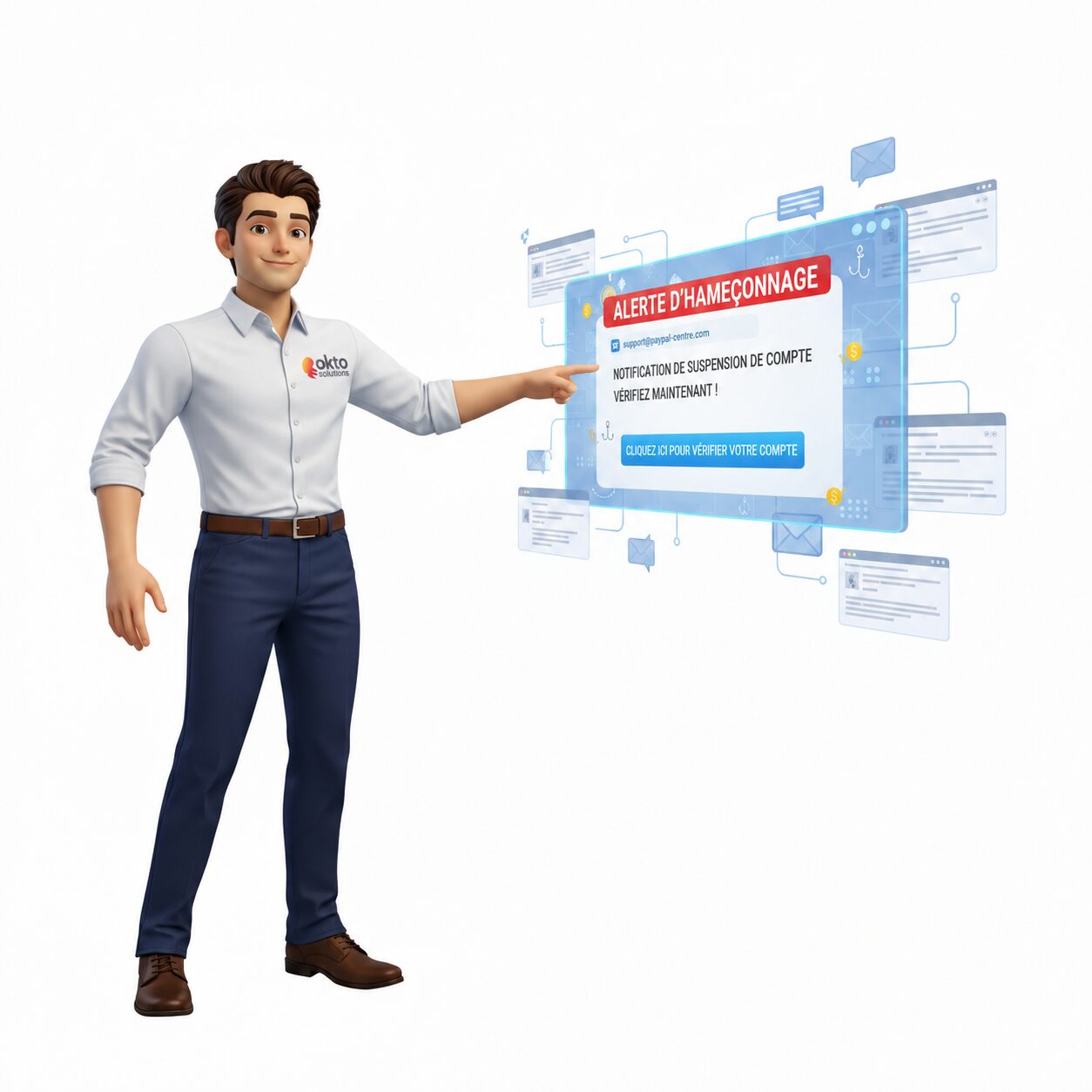
Quick answer: To protect an SME's emails against phishing, enable multi-factor authentication, anti-phishing filtering (Microsoft Defender), SPF, DKIM and DMARC protocols, and train your employees regularly.
What is phishing and why are SMEs the primary targets?
Phishing is a fraud technique where a cybercriminal sends an email or message that perfectly mimics a trusted source, bank, government, supplier, Microsoft, Canada Post, to trick you into clicking on a malicious link, entering your credentials or making a money transfer.
According to theCanadian Centre for Cyber Security's (CCCS) 2025-2026 National Cyber Threat Assessment, phishing remains the number one attack vector in Canada. The Centre explicitly mentions the proliferation of phishing kits sold online and AI-powered chatbots, which allow criminals to create deceptive emails in seconds, in perfect French, without spelling mistakes.
SMEs are particularly targeted for several reasons:
- They have fewer cybersecurity resources than large companies
- They handle sensitive data (customers, finances, suppliers)
- They trust emails without systematic verification
- They often serve as an entry point to larger partner organizations
In 2024, the Canadian Anti-Fraud Centre reported $67.3 million in losses related to business email fraud (BEC) and phishing, the second-largest category of cybercrime losses in the country. This figure represents only reported cases; the actual number is estimated to be much higher.
The most common types of phishing in 2025-2026
The attacks have evolved considerably. Forget the email riddled with obvious errors from the "Nigerian prince." Today, messages are polished, personalized, and virtually indistinguishable from a genuine professional email.
- Generic phishing: Sent in bulk, impersonates a bank, Canada Revenue Agency, Amazon, Microsoft, or Canada Post. Contains a link to a fake login page.
- Spear phishing: Targeted at a specific person within the company, often using their name, title, and publicly available information. Much more convincing.
- CEO fraud (BEC): The criminal impersonates the company's director and asks an employee to make an urgent wire transfer or provide credentials.
- SMS phishing (smishing): Via text message, often imitating Canada Post, a bank or a delivery service.
- Voice phishing (vishing): A phone call from a fake government or bank agent.
By 2025, 82.6% of detected phishing emails will contain AI-generated content, according to the Microsoft Digital Defense Report 2025. This means that writing quality is no longer a reliable indicator. A well-written email is not necessarily legitimate.

How to recognize a phishing email?
Even well-crafted messages often leave traces. Here are the things to check before clicking on anything:
- The sender's email address: The displayed name may look official, but the actual address is often suspicious. For example: "Microsoft Support" with the address support@microsoft-help.net.
- Before clicking, hover your mouse over the link without clicking. The URL displayed at the bottom of the screen should exactly match the actual website.
- The artificial urgency: "Your account will be deactivated in 24 hours," "Immediate action required." Legitimate organizations don't create panic via email.
- Unusual requests: A supplier changing their bank details by email, a colleague requesting urgent access outside of normal procedures.
- Unexpected attachments: PDF, Word or ZIP files sent without prior context are common vectors of infection.
The golden rule: If in doubt, don't click. Call the person or organization directly using a number you already know, never the one provided in the suspicious email.
6 technical measures to protect your SME's emails
Employee awareness is essential, but it's not enough on its own. Robust technical safeguards must be in place to filter threats before they even reach inboxes.
Email authentication and filtering
- SPF, DKIM, and DMARC: These three email authentication protocols prevent criminals from sending messages by spoofing your domain name. If your domain hasn't configured them, anyone can send an email impersonating you.
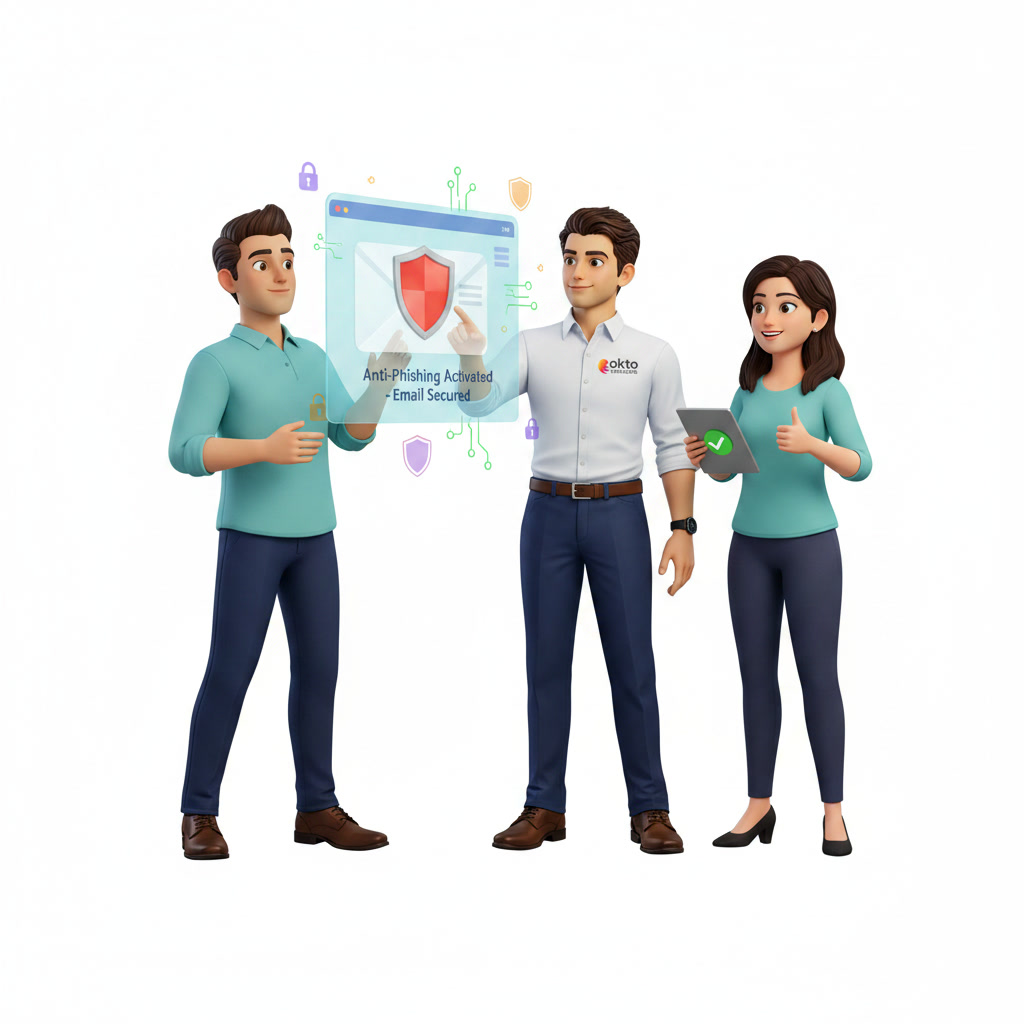
- Microsoft Defender for Office 365: Included in Microsoft 365 Business Premium licenses, it scans every email in real time, blocks malicious links and quarantines suspicious attachments before they reach the user.
Access control and account protection
- Multi-factor authentication (MFA): Even if an employee's credentials are stolen via phishing, MFA prevents the criminal from accessing the account without the second authentication factor. According to the CCCS, this is the most effective security measure.
- DNS filtering: Automatically blocks access to known malicious websites, even if the employee clicks the link. An additional safety net in case of human error.
Raising awareness and training the team
- Phishing training and simulations: Regular tests send fake phishing emails to your employees to measure their vigilance and train them in a concrete way, without real risk.
- Conditional access policies: Limit access to enterprise applications based on device, location, and detected risk level, thereby reducing the impact of a compromised account.
What should be done if an employee clicked on a phishing link?
It happens, even in the best companies. The important thing is to act quickly and not panic. Here are the steps to follow immediately:
- Disconnect the device from the network (Wi-Fi and Ethernet cable) to stop any potential propagation.
- Do not restart the device : a restart can erase traces useful for analysis.
- Immediately change the passwords of the compromised account from another clean device.
- Notify your IT team or IT provider immediately so that an analysis can be carried out.
- Check if any data has been transmitted : recent connections, emails sent, files downloaded.
- Report the incident to the Canadian Anti-Fraud Centre if financial fraud is involved.
The faster the response, the more limited the damage. Intervention in the first few hours can mean the difference between a minor incident and a major data breach with legal consequences.
Employee training: your best line of defense
Technical tools filter out many threats, but an untrained employee can still create a vulnerability. According to the CCCS, the vast majority of cybersecurity incidents involve human error as their starting point.
Good anti-phishing training for an SME should include:
- Raising awareness of different types of attacks (phishing, smishing, vishing, CEO fraud)
- Concrete examples of real malicious emails that were successfully defused
- Clear procedures to follow in case of doubt or incident
- Periodic simulations to maintain vigilance over time
- Annual update based on new tactics used by cybercriminals
The goal is not to single out employees who fall into the trap, but to create a culture of vigilance where everyone feels responsible for the company's security. An employee who reports a suspicious email has provided a valuable service to the entire organization.
Frequently asked questions about phishing protection
How can I tell if my company has already been a victim of phishing?
The most common signs include unusual account logins, emails sent from your address without your authorization, unsolicited password reset requests, or unauthorized financial transactions. A security audit allows you to review your login history and detect past breaches.
Is MFA sufficient to protect my business against phishing?
Multi-factor authentication (MFA) is the most effective measure against compromised accounts, but it's not enough on its own. An employee can still click on a malicious link that installs spyware or triggers ransomware. MFA is combined with employee training and advanced email filtering for complete protection.
Are phishing simulations really useful?
Yes, and the results are measurable. Companies that run regular simulations see the click-through rate on real malicious emails decrease significantly within a few months. The goal isn't to trick employees, but to create vigilant reflexes in a context without real risk.
OKTO Solutions protects the emails of SMEs in Trois-Rivières and Quebec
At OKTO Solutions, email protection is part of our integrated cybersecurity approach for SMBs. We configure and maintain SPF, DKIM, DMARC, Microsoft Defender for Office 365, MFA, and conditional access policies to ensure your emails are protected end-to-end.
We also offer anti-phishing training tailored to the realities of Quebec SMEs, with real-life simulations to test and strengthen your team's vigilance without creating unnecessary panic.
If you're unsure about the current level of email protection, a cybersecurity audit can quickly assess your situation and identify areas for improvement. It's always better to discover these issues before an incident occurs than after.
To learn more, see Microsoft 365 phishing protection available on Microsoft Learn.