
Microsoft Copilot has been on everyone's lips since its launch in Microsoft 365, but many SME leaders in Quebec are still asking the same question: is it really useful for my business, or is it just another gimmick? The short answer is yes, provided you understand what Copilot actually does and how to integrate it into your workflows. Here's an honest overview of the real benefits of Microsoft Copilot for SMEs.
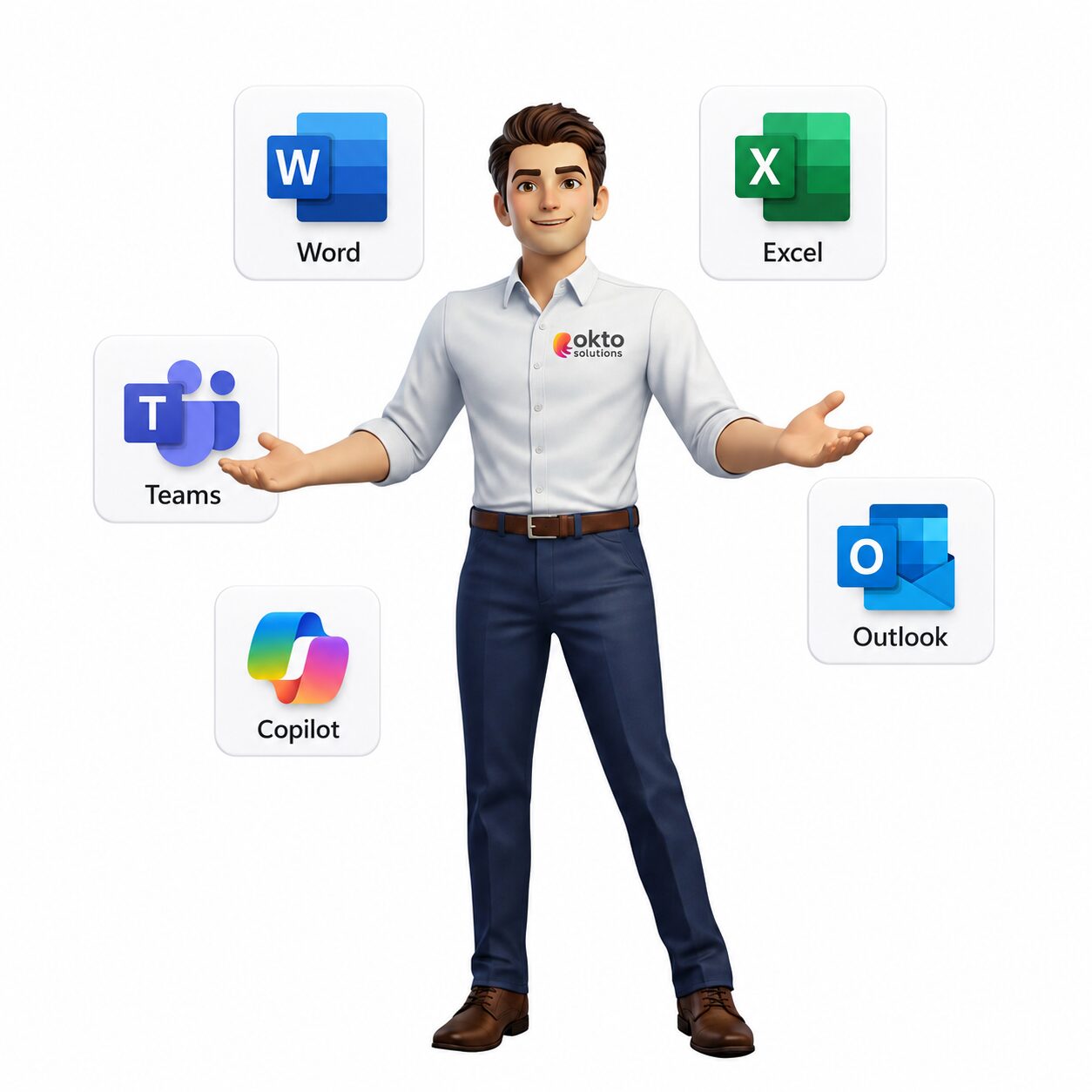
Unlike ChatGPT or other general AI assistants, Microsoft Copilot is directly integrated with the applications your employees already use every day: Teams, Outlook, Word, Excel, PowerPoint. It doesn't replace your tools, it enhances them. And for an SMB looking to do more with the same resources, that's a tangible advantage.

Quick answer: Microsoft Copilot brings tangible productivity gains to Quebec SMEs: assisted writing, meeting summaries, data analysis, and automation. When properly deployed, it frees up time while protecting data.
1. What Microsoft Copilot really is: and what it isn't
Microsoft Copilot for Microsoft 365 is an AI assistant integrated directly into Microsoft 365 applications (Teams, Outlook, Word, Excel, PowerPoint, OneNote). It uses advanced language models from OpenAI, combined with your own corporate content via Microsoft Graph, to provide you with real-time, contextual help.
What Copilot does:
- Summarizes Teams meetings and long email chains
- Drafts documents, presentations, and emails
- Analyzes data in Excel and automatically generates graphs
- Answers questions about your company files and data
- Suggests actions and next steps in your workflow
What Copilot doesn't do: it doesn't replace human judgment, doesn't make decisions for you, and doesn't guarantee the accuracy of all its answers. It should be used as an assistant, not as a source of authority. Employees should always validate critical information.
2. Copilot in Teams and Outlook: everyday life transformed
The two applications where Copilot generates the most immediate impact for an SME are Teams and Outlook, because they are the ones that consume the most time in a typical working day.
Microsoft Teams
Copilot can join your Teams meetings and automatically generate a structured summary: points discussed, decisions made, actions to be taken, and who is responsible for what. No more taking notes manually during a meeting. You can also ask Copilot questions after the meeting: "What did Marc say about the budget?" or "What are the agreed-upon next steps?"
In Teams chat, Copilot can summarize long conversations and quickly update you if you've missed any exchanges. This is especially useful for teams working on staggered schedules or across multiple time zones.
Microsoft Outlook
Copilot can analyze a long and complex email chain and produce a summary in seconds. It can also draft complete replies based on the conversation's context, which you simply need to adjust before sending. For executives managing dozens of emails a day, the time savings are immediate.
3. Copilot in Word, Excel, and PowerPoint: hours recovered
Beyond communications, Copilot also transforms the way you create documents and analyze your data.
Word and PowerPoint
Copilot can generate a complete first draft of a document or presentation from a simple description in natural language. "Create an 8-slide presentation on our new service offering for manufacturing SMEs": Copilot produces an initial structure with content, headings, and visual suggestions. You start with a solid foundation rather than a blank page.
Excel
In Excel, Copilot lets you analyze data tables without mastering complex formulas. You can ask in natural language: "Show me sales by region for the last quarter" or "Create a chart comparing expenses in 2024 vs. 2025." Copilot automatically generates the formulas, filters, and visualizations. For SMEs managing budgets, inventories, or reports, this represents a significant time saving.
4. Copilot vs other AI assistants: what is the real difference?
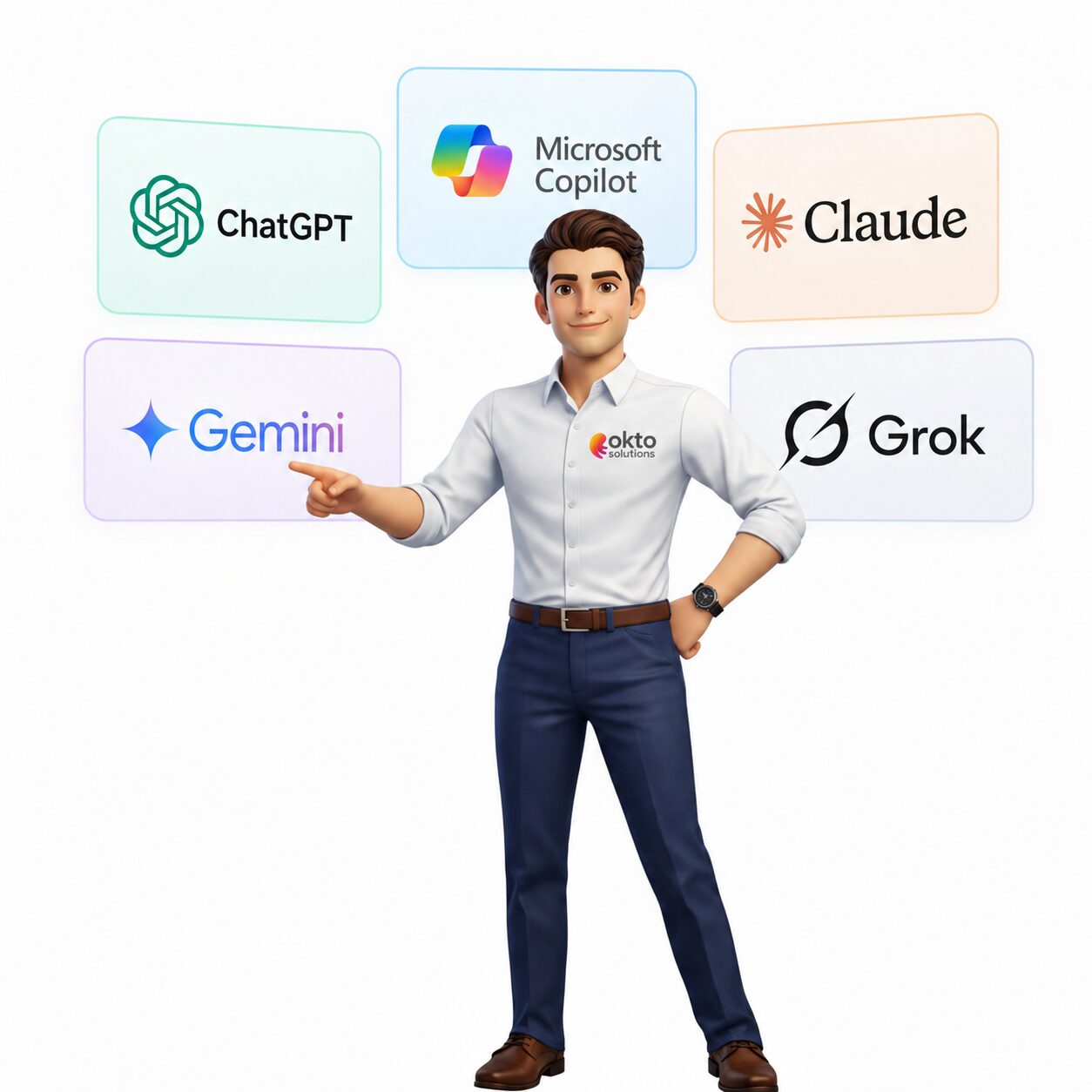
ChatGPT, Claude, Gemini, Grok: there are several AI assistants on the market. Why choose Copilot for an SME that already uses Microsoft 365?
| Criteria | Microsoft Copilot | General AI Assistants |
|---|---|---|
| Microsoft 365 Integration | Native and direct | None (copy and paste required) |
| Access to your company data | Yes, via Microsoft Graph | No (data entered manually) |
| Security and compliance | Data remains in your Microsoft tenant | Data sent to third-party servers |
| Centralized management | Via Microsoft 365 Admin Center | Uncontrolled individual accounts |
| Cost for SMEs | Monthly license per user | Free to $20/month per user |
The main advantage of Copilot for an SME is not necessarily the power of the AI model, but the direct integration into your work tools and the guarantee that your company data does not leave your secure Microsoft environment.
5. Security and confidentiality: your data stays with you
This is one of the most frequent concerns of SME managers: if I use an AI assistant, will my company data feed into a shared model or be exposed?
With Microsoft Copilot for Microsoft 365, the answer is no. Here are the guarantees offered:
- Your data remains in your Microsoft 365 tenant: Copilot does not use your data to train Microsoft or OpenAI AI models.
- Permissions are respected: Copilot can only access data that the user already has access to according to Microsoft 365 security rules.
- GDPR and Law 25 compliance: Microsoft offers contractual data protection commitments that comply with Canadian and European regulations.
- Audit logs: All Copilot activities are recorded in Microsoft 365 compliance logs for administrators.
That said, it's important to properly configure permissions and access in Microsoft 365 before enabling Copilot, as the AI could potentially expose files accessible to a user that they wouldn't normally think to look for. A Microsoft-certified partner can help you perform this permissions review before deployment.
6. Frequently Asked Questions about Microsoft Copilot for SMEs
How much will Microsoft Copilot for Microsoft 365 cost in 2026?
In 2026, the Microsoft 365 Copilot license is sold for $30 USD per user per month, as an add-on to a Microsoft 365 Business Basic, Standard, or Premium license. It is not available as a standalone product; you must already have an active Microsoft 365 subscription.
Should employees be trained before deploying Copilot?
Yes, basic training is recommended to maximize adoption and real value. Employees who know how to write good queries (prompts) achieve much more useful results. OKTO Solutions offers hands-on training sessions tailored to SMEs for an effective start.
Does Copilot work in French?
Yes, Microsoft Copilot supports Canadian French. You can write your queries in French and get answers in French. The quality is good, although some nuances of Quebec terminology may occasionally require adjustments.
How many users should we start with?
It is recommended to start with a pilot group of 5 to 10 users representing different roles. This allows you to identify the most promising use cases for your business before deploying on a larger scale.
OKTO Solutions guides you towards Microsoft Copilot
At OKTO Solutions, we are Microsoft certified partners and we support SMEs in Trois-Rivières, Montreal and Quebec in their adoption of Microsoft 365 Copilot: from initial assessment to team training and security configuration.
If you'd like to assess whether Copilot is right for your business, or if you'd like to start a pilot project, contact us for a no-obligation consultation. We'll help you identify the most profitable use cases for your Quebec SME.
To learn more, see the official Microsoft Copilot presentation available on Microsoft Learn.
Questions about this article? Contact our OKTO Solutions team for a free consultation.