Enable God Mode in Windows 11 to access all settings
Enabling God Mode in Windows 11 opens an advanced control panel that groups over 200 Windows settings into a single folder. This is a handy trick for quickly accessing administration, personalization, maintenance, and configuration options without wasting time navigating through multiple menus.
If you are looking for a faster way to manage Windows 11, God Mode can simplify your daily life, whether you are an advanced user or an IT technician.

What is God Mode in Windows 11?
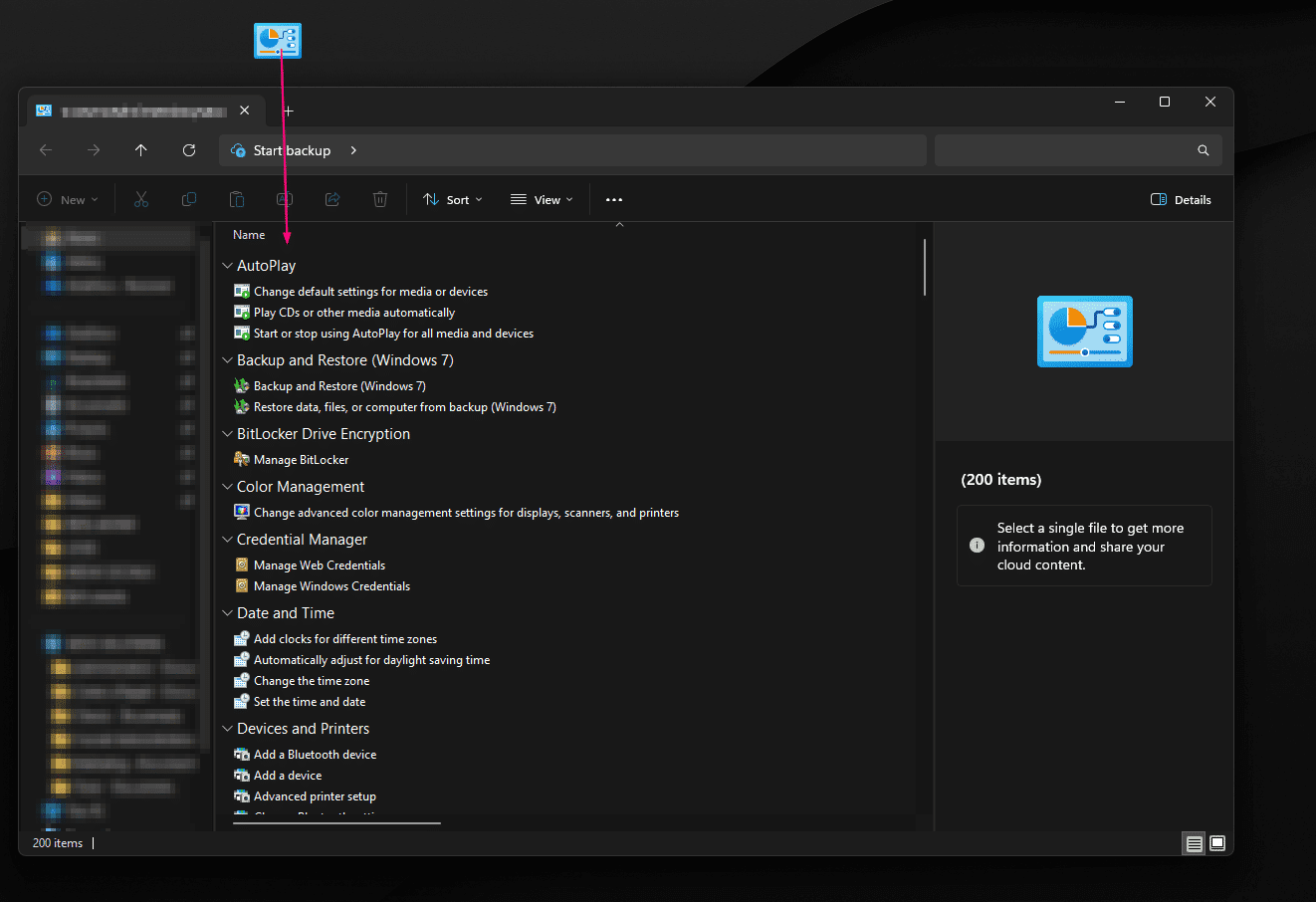
God Mode in Windows 11 is a special folder that displays a long list of system settings arranged alphabetically. These include options related to user accounts, devices, network, power, security, backups, and various administrative tools.
This mode does not unlock a secret Windows function, but it groups several useful operating system shortcuts into a single view.
Why use God Mode?
The main advantage of God Mode is the time saved. Instead of navigating through multiple sections of Settings and Control Panel, you get centralized access to many Windows 11 settings.
- Quick access to administration tools
- Simplified navigation in advanced settings
- Easier search for system options
- Practical for IT support and troubleshooting
This tip is particularly useful for users who want to manage their computer more quickly.
How to activate God Mode in Windows 11
Here's how to activate God Mode in Windows 11 in seconds:
- Create a new folder on the Desktop
- Rename this folder with the following text:
GodMode.{ED7BA470-8E54-465E-825C-99712043E01C}
- Press Enter
- The folder icon will change automatically
- Open the folder to view all settings

What can you do with God Mode?
Once God Mode is enabled, you can access several useful Windows 11 features more quickly:
- Manage user accounts
- Change power settings
- Access backup tools
- Configure the network and sharing
- Open the display and personalization options
- Access some of the system's advanced tools
This grouping is particularly interesting for Windows support, maintenance and optimization environments.
Precautions before using God Mode
God Mode does not pose a risk in itself, but it provides more direct access to several sensitive Windows 11 settings. Therefore, it is best to exercise caution before modifying system options if you are unsure of their impact.
Before making any major changes, it is recommended to perform a restore point or backup of your data.
Does God Mode improve performance?
God Mode in Windows 11 doesn't directly speed up your computer. Its main purpose is to centralize settings to save time and simplify access to system tools. However, it can help you quickly find certain settings related to performance, power, or maintenance.
So it's primarily a clever shortcut for better managing Windows 11.