Guest Wi-Fi for Quebec SMBs: Why You Need One and How to Set It Up

A guest Wi-Fi network is a second wireless network, separate from your internal one, that gives visitors internet access without exposing your files, servers, printers or workstations. Any business-grade router can broadcast one in a few minutes, and it is one of the cheapest ways for a Quebec small business to contain a security incident.
A client, a supplier or a job candidate walks into your Trois-Rivières office, and the first thing they ask for is the Wi-Fi password. The natural reflex is to hand over the same network your employees, your servers and your printers run on. That single habit is where a lot of small business trouble begins.
Quick answer: A guest Wi-Fi network gives visitors internet access while keeping your business data completely out of reach. Most business routers can turn it on in a few minutes, and it sharply reduces the odds that an unknown device spreads an infection through the rest of your equipment.
1. What is a guest Wi-Fi network?
A guest Wi-Fi network is a separate wireless network broadcast by the same equipment as your main network, but walled off from it. Someone connected to the guest network can browse the internet, but they cannot see your computers, your shared folders, your server or your printers. Both networks live on the same router and never talk to each other.
Most routers and access points built for business include the feature as standard. You give it a different name (for example "MyCompany-Guests"), a separate password, and that is it. Your employees stay on the internal network, your visitors go on the guest network.
- A separate, clearly labelled network name (SSID)
- A password that is different from the internal one
- Client isolation so guests cannot see your devices
- Usually a bandwidth cap so visitors do not slow down your operations
2. Why does your Quebec small business need one?
Sharing your main network with visitors is like leaving the server room door open to anyone who walks in. An unfamiliar phone or laptop can be infected without its owner knowing, and it lands on the same network as your accounting data and your client files. A guest Wi-Fi network ends that scenario.
For a Mauricie business that regularly hosts clients, subcontractors or temporary workers, this is a baseline control that insurers and security frameworks expect to see. Our managed IT services build that segmentation in from the first network setup.
- You keep sensitive data away from devices you do not control
- You limit how far an outside infection can travel
- You give visitors a good experience without giving up security
- You meet a common requirement for cyber insurance and compliance
3. What are the risks of a single shared Wi-Fi?
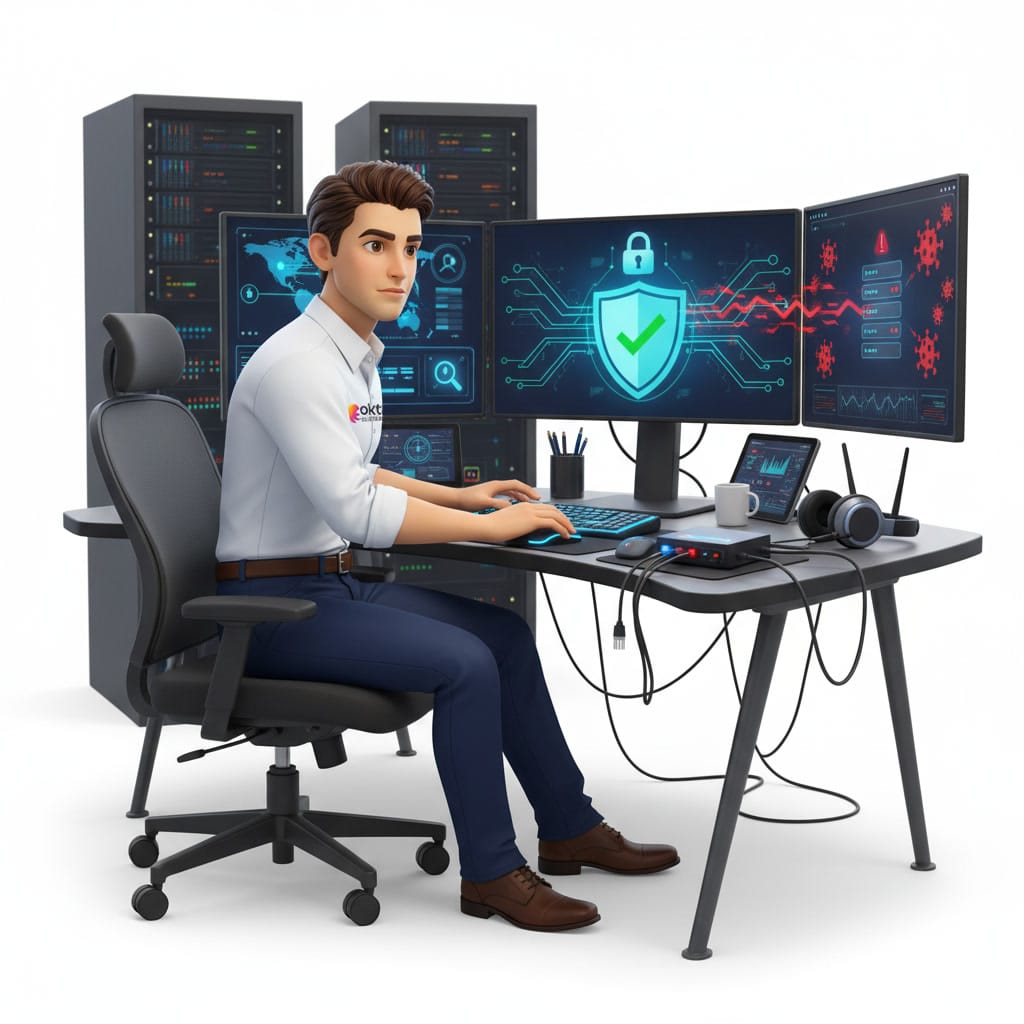
Plenty of small businesses still run one network for everyone: employees, visitors, the point of sale, the cameras and every connected object in the building. It is convenient, but each device becomes a possible way into the others. A guest Wi-Fi network breaks that chain by fencing off visitor traffic.
The Canadian Centre for Cyber Security points out that separating networks is one of the fundamental steps for shrinking an organization’s attack surface. Without that separation, a single compromised device can be enough to expose your whole environment.
- A workstation hit by ransomware can reach your servers directly
- A visitor with bad intentions can map your internal network
- Your connected devices (cameras, thermostats) become easy targets
- You lose all visibility over who is reaching what
4. How do you set up a guest Wi-Fi network?
On a business router or a managed access point, the setup rarely takes more than a few minutes. Here are the general steps. If your equipment does not offer the feature, that is usually a sign you need hardware built for business, and our team can help from the contact page.
- Sign in to the admin interface of your router or Wi-Fi controller
- Find the section named "Guest Network"
- Turn the network on and give it a clear name, for example "Company-Guests"
- Choose a strong password, different from the internal one, and change it periodically
- Turn on client isolation so guests cannot reach each other or your network
- Set a bandwidth cap so visitors do not slow down your operations
- Test with a personal phone to confirm your internal resources stay invisible
5. Which security practices matter most?
A badly configured guest Wi-Fi network gives a false sense of safety. For it to actually do its job, a few rules apply. They hold just as much for a professional office in Shawinigan as for a retail shop in Quebec City.
- Use WPA3 encryption, or WPA2 at minimum, and never an open network with no password
- Change the guest password regularly, especially after an event or an important visit
- Block access to the router admin interface from the guest network
- Keep your connected devices and cameras off the employee network too
- Log connections so you have a record if something goes wrong
- Keep the firmware on your access points current to close known holes

6. Going further: network segmentation for Mauricie small businesses
The guest Wi-Fi network is the first building block of a broader approach called network segmentation. The idea is simple: instead of one large network where everything sees everything, you create separate zones based on how much you trust each group. Employees, guests, connected devices and critical systems each get their own bubble, which contains an incident instead of letting it spread.
For a growing business, that approach becomes necessary fast. An IT provider can design the architecture, pick the right equipment and watch it continuously, without you having to handle the technical side day to day. It is a modest investment next to the cost of a shutdown.
Frequently asked questions
Does a guest Wi-Fi network slow down my connection?
No, as long as you set a sensible bandwidth cap for guests. The internal network keeps its priority and your employees notice no drop in performance. That is actually one of the benefits of the feature.
Is it complicated for a small business to set up?
Not at all. On a business router, turning it on takes a few minutes. The tricky part is isolating the traffic properly and choosing the right equipment, and that is where an IT partner saves you time and worry.
Does a guest network really protect against ransomware?
It does not replace antivirus software or backups, but it sharply limits how far an infection travels. An infected device on the guest network cannot reach your servers or your internal workstations, which keeps the damage contained.
Secure your network with a Trois-Rivières partner
A guest Wi-Fi network is a simple, quick and effective way to protect your business, but it works best inside a network design that was thought through. Our team builds, secures and monitors business networks across the Mauricie and throughout Quebec. Take a look at our managed IT services or write to us through the contact page for a review of your current network.
An article sets out the principle. Putting it in place happens one workstation at a time: our managed cybersecurity service, backup and disaster recovery and our IT services in Montreal.