
What it is
An independent copy of your emails, your OneDrive and SharePoint files, your Teams teams and your contacts, kept outside your Microsoft subscription and restorable one item at a time.
Backup and disaster recovery
Many organizations believe their email and files are backed up because they live in the cloud. Microsoft guarantees the availability of its service, not the recovery of your data after a deletion, a mistake or an attack. This page sets the record straight and explains what a Microsoft 365 backup adds.
The question is not whether Microsoft loses your data: its infrastructure is redundant. The question is what happens when you, an employee or an attacker deletes it. A Microsoft 365 backup is an independent copy of your mailboxes, files and Teams content, kept outside your subscription and restorable one item at a time.

The short answer
Yes, Microsoft 365 needs a backup, because Microsoft guarantees the availability of its service, not the recovery of data after a deletion, a mistake or an attack. Under the shared responsibility model, Microsoft answers for the infrastructure and its redundancy; the customer answers for its data, accounts and accesses. The built-in mechanisms are short-term: an item deleted from SharePoint or OneDrive stays in the recycle bins for ninety-three days in total, according to the Microsoft documentation consulted in 2026, then it is permanently deleted. A Microsoft 365 backup is an independent copy of mailboxes, shared mailboxes, OneDrive, SharePoint and Teams, kept outside the subscription and restorable one item at a time or to a date before an incident. OKTO Solutions sets it up for Quebec small businesses, keeps the copies in Canada by default, treats every failed job as an incident and tests the restore at regular intervals. The Standard package includes a verified backup with a test twice a year.
In brief
The question is not whether Microsoft loses your data: its infrastructure is redundant. The question is what happens when you, an employee or an attacker deletes it.
An independent copy of your emails, your OneDrive and SharePoint files, your Teams teams and your contacts, kept outside your Microsoft subscription and restorable one item at a time.
Any organization that uses Microsoft 365 for its day-to-day work, especially those with retention obligations or a contract that requires being able to retrieve an old document.
A mailbox deleted by mistake, a folder encrypted by ransomware, or a badly handled employee departure stop being permanent losses.
Understanding
Microsoft applies a shared responsibility model: it is responsible for the availability of the service, the infrastructure and redundancy, and you are responsible for your data, your accounts and your accesses. This split is written into the terms of service and the product documentation. It is not an omission: it is a deliberate boundary.
In practice, Microsoft 365 offers short-term recovery mechanisms, not archiving. An item deleted from SharePoint or OneDrive passes through the recycle bins and only stays there for ninety-three days in total, according to the Microsoft documentation consulted in 2026 on learn.microsoft.com. After that, the item is permanently deleted. Retention policies can extend that period, but they must be configured, and they do not behave like a backup you restore to a chosen date.
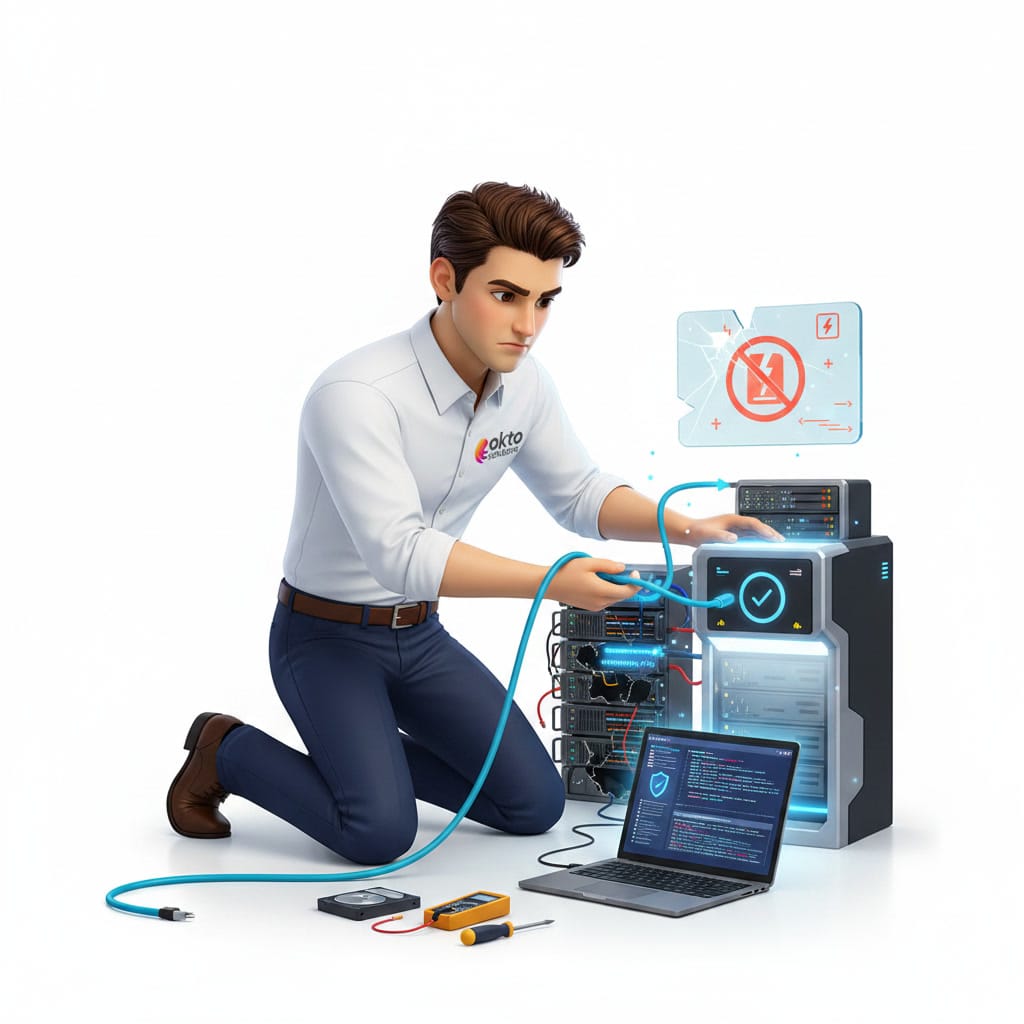
The real risk for a small business is therefore not a Microsoft outage. It is the accidental deletion discovered months later, the compromised account whose attacker empties the mailbox, the employee departure where the account is deleted too quickly, and the ransomware that encrypts synced files before they reach the cloud.
The distinction
The two do not compete: the backup fills the gaps the built-in mechanisms were not designed for. Here is the split, case by case.
| The situation | What Microsoft does | What a backup adds |
|---|---|---|
| Infrastructure outage | Microsoft replicates its services and is responsible for their availability. A hardware failure at Microsoft will not lose your data. | Nothing more on this specific point. It is the only case where the built-in mechanism is enough. |
| Recent deletion | The recycle bins let you recover a deleted item for a limited time, ninety-three days in total for SharePoint and OneDrive according to Microsoft’s 2026 documentation. | A restore well beyond that window, and without depending on someone noticing in time. |
| Deletion discovered late | Nothing, once the retention period has passed. The item is permanently deleted. | The copy exists independently of the subscription, so the item can be recovered long after the fact. |
| Compromised account | Microsoft logs actions and lets you block the account, but an attacker who empties a mailbox with permanent deletion leaves little to work with. | The mailbox contents can be restored to a date before the compromise. |
| Ransomware on synced files | Version history lets you roll back individual files, which helps in simple cases. | A bulk restore to a point in time, without bringing files back one by one, and a copy the compromised account cannot reach. |
| Employee departure | Deleting the account eventually deletes its contents, unless explicit retention is configured. | The content stays available even if the account was deleted too quickly, without paying a licence just to keep a mailbox open. |
What is covered
A useful backup covers everything the work actually lives in, not just email. Here is the usual scope of a mandate.
The scope is drawn from the tenant itself, not from memory: the list of mailboxes, SharePoint sites and accounts comes out of the Microsoft 365 admin centre, then gets compared with what the backup covers. An account left active after a departure, or a shared mailbox created for a project, shows up there even though nobody would have thought to name it.
How it unfolds
Setup is quick. What tells a good backup from a bad one is what happens after: the verification.
This backup completes our Microsoft 365 services, alongside Copilot governance, and is part of our backup and disaster recovery offer. Delivered across Quebec from Trois-Rivières, in the Mauricie, in Montreal and around Quebec City. Further reading: why Microsoft does not protect your data, SharePoint for small businesses and the IT disaster recovery plan.
Questions and answers
We look at what is covered, what is not, the retention period and the last tested restore. You receive a clear picture, and if there is a gap, what it takes to close it.
Reviewed by Antonio Pazzi, president of OKTO Solutions · updated
We use cookies that are strictly necessary for the site to work. Only with your consent do we add measurement cookies that tell us which pages get read. Refusing costs you nothing, and you can change your mind at any time from the bottom of any page. Cookie details.