Firewall for small business in Quebec: choosing the right one in 2026

Every small business in the Mauricie region has a digital front door, and that door stays open 24 hours a day. The firewall is the doorkeeper that decides who is allowed onto your network and who has to stay outside. Without it, your servers, your workstations and your client data sit exposed directly to the internet, within reach of any bot sweeping the web for a weakness.
Plenty of companies in Trois-Rivières and Quebec City still believe the little router supplied by their internet provider is enough. In 2026, that is no longer true. Automated attacks, ransomware and remote work have changed the picture. Here is how to choose a firewall that fits your reality, without needless jargon.
Quick answer: A firewall filters the traffic coming into and going out of your network in order to block threats before they reach your devices. For a small business in Quebec, a properly configured next-generation firewall (NGFW), with encrypted traffic inspection and automatic updates, offers the best protection. The right choice depends on the size of your team and on how much remote work you do.
1. What exactly is a firewall?
Picture your company network as a building. The firewall is the security guard posted at the entrance. It examines every person (every packet of data) that wants to come in or go out, then applies a list of rules to allow or refuse passage. A legitimate connection to your email service goes through, an attempt from a shady server in Asia is blocked.
Technically, the firewall sits between your internal network and the internet. It analyzes addresses, ports and, on modern models, the content of the traffic itself. Today’s firewalls go well beyond simply blocking ports: they recognize applications, detect suspicious behaviour and even inspect encrypted connections.
- It blocks unsolicited connections coming from outside.
- It stops an infected workstation from talking to an attacker’s server.
- It segments your network to isolate the sensitive zones.
- It logs traffic, which helps during an investigation.
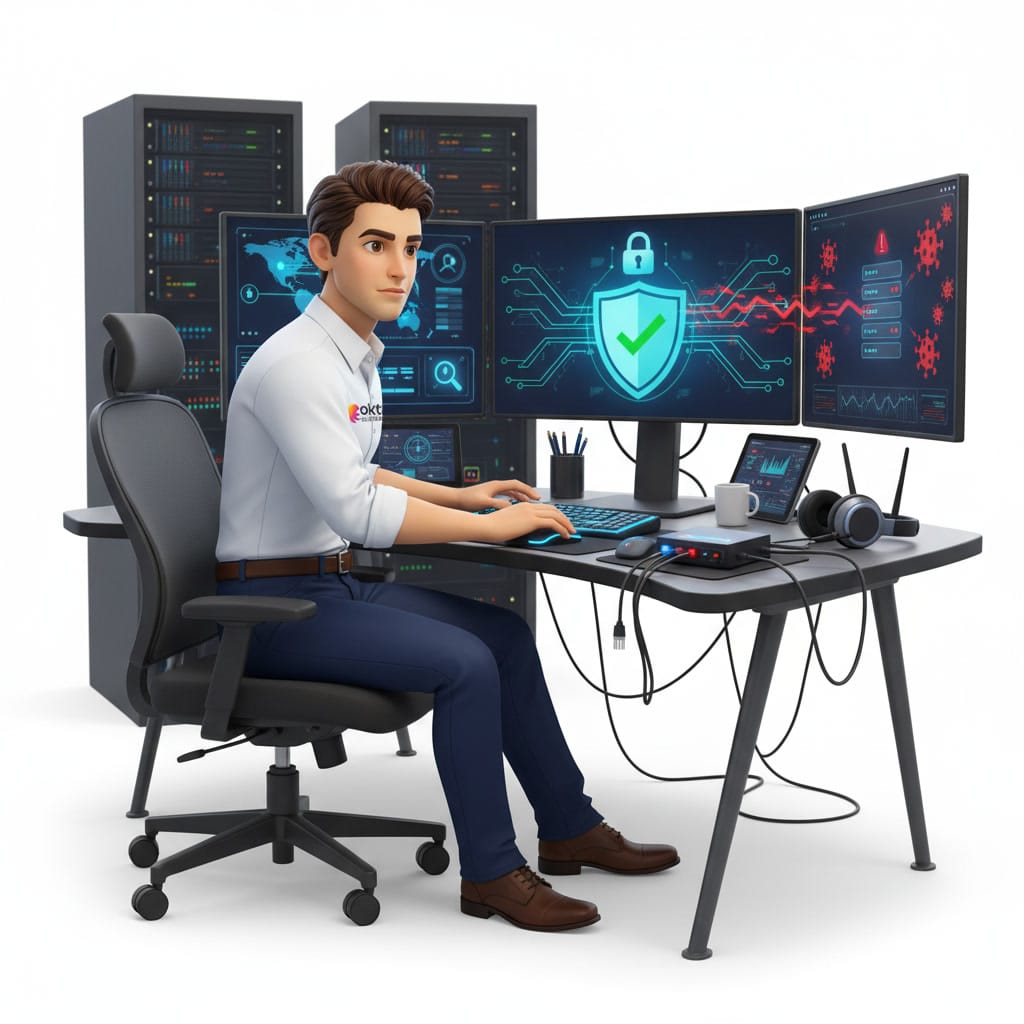
2. Why does your small business in Quebec really need one?
The most stubborn myth is the belief that a small company is of no interest to anyone. The reality is the opposite. Attackers are not aiming at your business in particular, they launch automated scans that hit millions of addresses per second. A company in Shawinigan or Bécancour is just as visible as a large corporation in Montreal in the eyes of those bots.
The Canadian Centre for Cyber Security points out that ransomware remains the costliest threat for small Canadian organizations. A modern firewall does not settle everything, but it blocks a large share of the attempts before they reach your workstations. It is the first layer of defence in a sound strategy, and it works hand in hand with your other managed security services.
Remote work has moved the perimeter
In the past, everyone worked at the office, behind a single firewall. Today your employees connect from home, from a coffee shop or from a cottage in the north of the Mauricie region. The firewall now has to protect an extended network, often paired with a VPN and with finer access policies.
3. Hardware, software or cloud: the three families
Firewalls are generally grouped into three broad categories. The right choice depends on your infrastructure, on the number of employees and on whether or not you have a server on site.
- Hardware firewall: a physical box installed between your modem and your network. Ideal for an office with several workstations, it protects everyone at once and puts no load on the computers.
- Software firewall: an application installed on each device, such as the firewall built into Windows. Useful as a complement, especially for the laptops that leave the office.
- Cloud firewall: a hosted service that filters traffic before it even reaches your company. Perfect for very mobile teams or for organizations with no local server.
In practice, a well-protected small business combines all three: a box at the office, the software firewall turned on for every workstation and, more and more, a cloud layer for the remote employees. Configuring the Windows firewall is well documented in the guides on Microsoft Learn.

4. The features to look for in 2026
Not all firewalls are equal. The term to know is NGFW, for next-generation firewall. These models do more than block ports: they understand context. Here are the features that make a real difference for a small business.
- Encrypted traffic inspection: 97 to 99 per cent of the web runs over HTTPS according to Google’s measurements. A firewall that does not inspect that traffic is half blind.
- Intrusion prevention (IPS): detects and blocks attempts to exploit known vulnerabilities.
- Web and DNS filtering: prevents access to malicious sites and rounds out your protection against phishing.
- Application control: you decide which applications may use the network.
- Automatic updates: threat signatures change every day, your firewall has to keep up.
- Logs and alerts: knowing what is going on matters as much as blocking.
5. The mistakes small businesses make most often
Buying a good firewall is not enough. At companies in the region, we regularly see the same traps cancel out the protection. A badly configured firewall creates a false sense of security, which is sometimes worse than no firewall at all.
- Keeping the factory settings: default password, rules that are far too permissive, everything wide open.
- Never updating the firmware: the flaws in the firewall itself turn into a way in.
- Stacking rules without ever cleaning them up: after a few years, nobody knows what they are for any more.
- Forgetting the remote employees: an unprotected laptop brings the infection back to the office.
- Not watching the logs: an attack in progress goes unnoticed for weeks.
Most of these mistakes come from a lack of time, not a lack of skill. That is precisely why many small businesses in Trois-Rivières hand the management of their firewall to an IT partner who monitors, updates and adjusts the rules continuously.
6. Configuring and maintaining your firewall properly
A firewall is a living piece of equipment, not an object you plug in and forget. Good hygiene comes down to a few simple habits, applied consistently.
- Change every default password and turn on two-factor authentication for the administration interface.
- Apply the principle of least privilege: open only what is strictly necessary.
- Segment the network to separate guests, workstations and servers.
- Schedule a review of the rules at least twice a year.
- Turn on automatic updates and confirm that they really do install.
- Keep the logs and set up alerts on critical events.
If all of that sounds heavy, that is normal. Managing a firewall demands constant attention that few small businesses can afford in house. IT support settles the problem by taking over the monitoring and the upkeep for you.
Frequently asked questions
Is the firewall in my router enough for my business?
For a business, rarely. The basic firewall in a consumer router blocks unsolicited traffic, but it does not inspect content, does not filter malicious sites and offers no usable logs. A next-generation firewall is strongly recommended as soon as you have client data to protect.
What is the difference between a firewall and an antivirus?
The firewall controls the network traffic coming in and going out, like a doorkeeper at the entrance. The antivirus works on the device itself to detect and remove the malware that is already there. The two complement each other and together form a good base of protection.
Does a firewall protect against ransomware?
It blocks a share of the attempts, in particular the connections to known attacker servers, but it is not an absolute guarantee. Effective ransomware protection combines the firewall, a security solution on the workstations, reliable backups and employee training.
Secure your network with a partner from the Mauricie region
A well-chosen, well-maintained firewall is one of the best protections your small business can give itself, but it still has to be installed and watched properly. The OKTO Solutions team supports companies in Trois-Rivières, across the Mauricie region and everywhere in Quebec to deploy and manage firewalls suited to their reality. Take a look at our managed IT security services or contact us for a no-obligation assessment of your network protection.
An article sets out the principle. Putting it in place happens one workstation at a time: our managed cybersecurity service, backup and disaster recovery and our IT services in Montreal.