Ransomware in 2026: How to Protect Your Small Business in Quebec City and Trois-Rivières

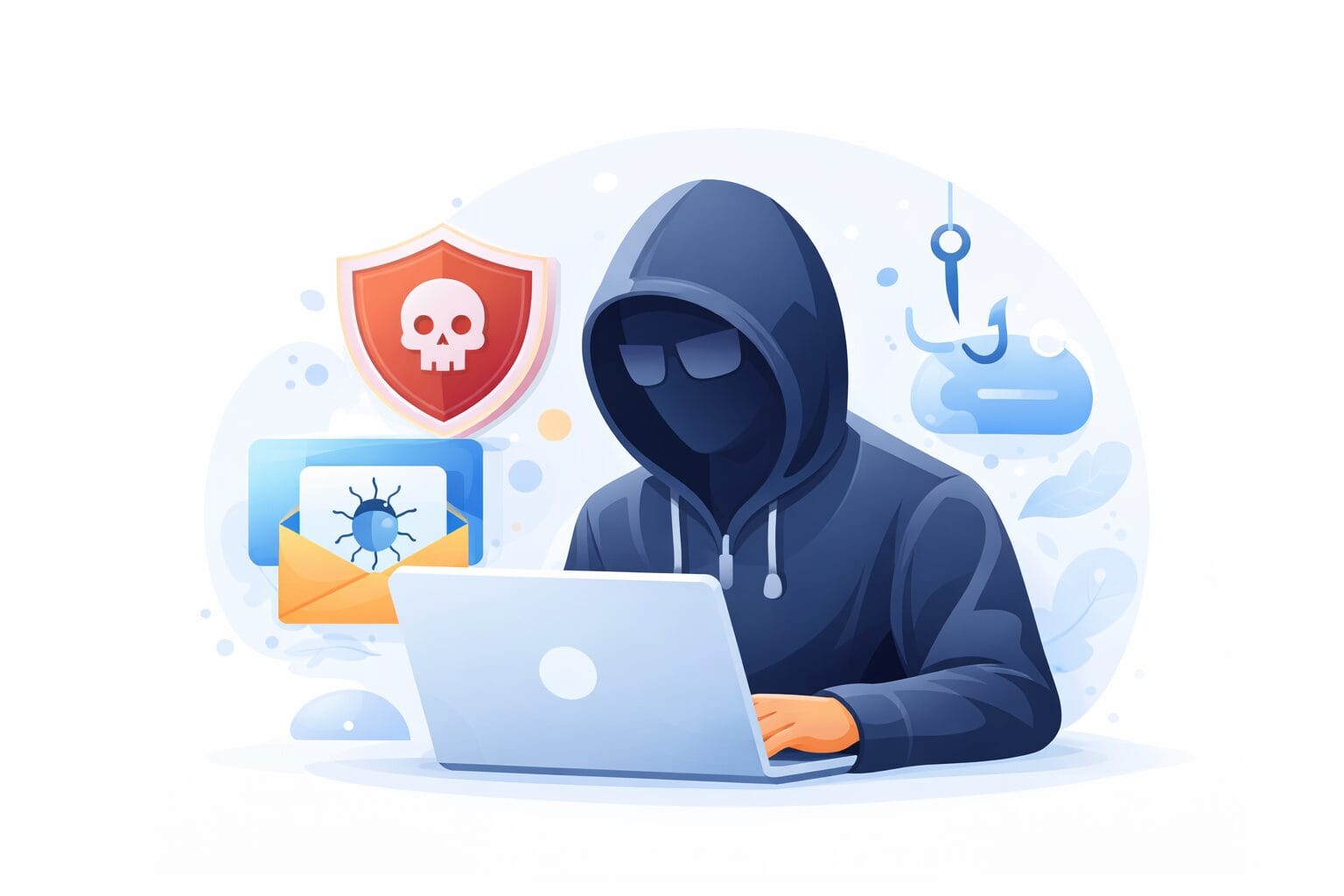
One morning you get to the office and not a single computer will start. Your files are scrambled, and a message on the screen demands a ransom before you can have your data back. That situation does not only happen to large companies. Small businesses in Quebec City, in Trois-Rivières and everywhere else in Quebec have become the favourite targets of ransomware crews.
Here is what you need to understand about the threat and, above all, how to protect yourself in practical terms.
Quick answer: To protect a small business against ransomware, combine tested offline backups, multi-factor authentication, regular updates, EDR antivirus and employee training. A recovery plan is what lets you restart without paying the ransom.
1. What is ransomware, exactly?
What this means for your company
Ransomware is a piece of malicious software that works its way into your network, scrambles your files and then asks you to pay a ransom to get access to your data again.
What makes the threat so dangerous in 2026 is the double extortion that most criminal groups now practise: they encrypt your data AND they steal it. Refuse to pay and they threaten to post it publicly or to sell it.
- File encryption: your documents become unreachable within minutes of the break-in
- Data theft: customer records, financial figures and HR files are pulled out before the encryption starts
- Time pressure: a countdown often appears on screen to force a fast decision under stress
- Fast spread: one infected workstation can take down the whole network in a matter of hours
Worth remembering: paying the ransom is no guarantee that you get your data back. According to the Canadian Centre for Cyber Security, the victims who pay do not always recover every one of their files.
Canada 2024 alert: The Canadian Centre for Cyber Security reports a rise in ransomware incidents in 2024 compared with 2023, without putting a number on it, and measures an average increase of 26% per year between 2021 and 2024. Small businesses made up the majority of the victims: they are less well protected, yet they hold data valuable enough to justify an attack.2. Why do attackers pick small businesses in Quebec City and Trois-Rivières?
What this means for your company
It would be easy to assume that cybercriminals mainly go after big corporations. They do not. According to the National Cyber Threat Assessment 2025-2026 from the Canadian Centre for Cyber Security, businesses with fewer than 50 employees represent the majority of ransomware victims in Canada.
The reasons are simple:
- Fewer IT resources: a small business seldom has a cybersecurity department of its own
- Data that is worth money: customer records, financial figures, health files, contracts
- Pressure to pay: a small business cannot afford to sit idle for several weeks
- Automated attacks: AI tools let attackers aim at hundreds of small businesses at the same time
The sectors hit hardest in Quebec include professional services (accountants, notaries, lawyers), medical and dental clinics, manufacturing companies and engineering firms. All of them well established in Quebec City and in Trois-Rivières.
According to the CCCS, ransomware incidents in Canada grew by an average of 26% per year between 2021 and 2024. The trend shows no sign of easing.
3. How does an attack unfold, step by step?
What this means for your company
Knowing the stages of an attack tells you where you can block it. Here is the route ransomware usually takes into a small business:
- Stage 1, phishing: an employee receives an email that looks legitimate and clicks a link or opens an attachment. It is one of the ways in that the Canadian Centre for Cyber Security names first, alongside unpatched software, compromised credentials and exposed remote desktop
- Stage 2, the quiet break-in: the malicious software installs itself discreetly and lies dormant for days or weeks while it maps out your network
- Stage 3, privilege escalation: the attackers try to obtain administrator accounts so they can reach the data that matters most
- Stage 4, exfiltration: your data is copied and shipped to outside servers before anything is triggered
- Stage 5, encryption: in a few minutes every file within reach is encrypted and the ransom message appears
The trouble with unprotected backups: if your backups are attached to the same network, they are encrypted at the same time as your live data. That is why a backup strategy counts for as much as prevention does.
4. Five concrete measures to protect your business
The good news: most successful attacks could have been avoided with basic measures properly applied. Here is what the Canadian Centre for Cyber Security and Microsoft recommend.
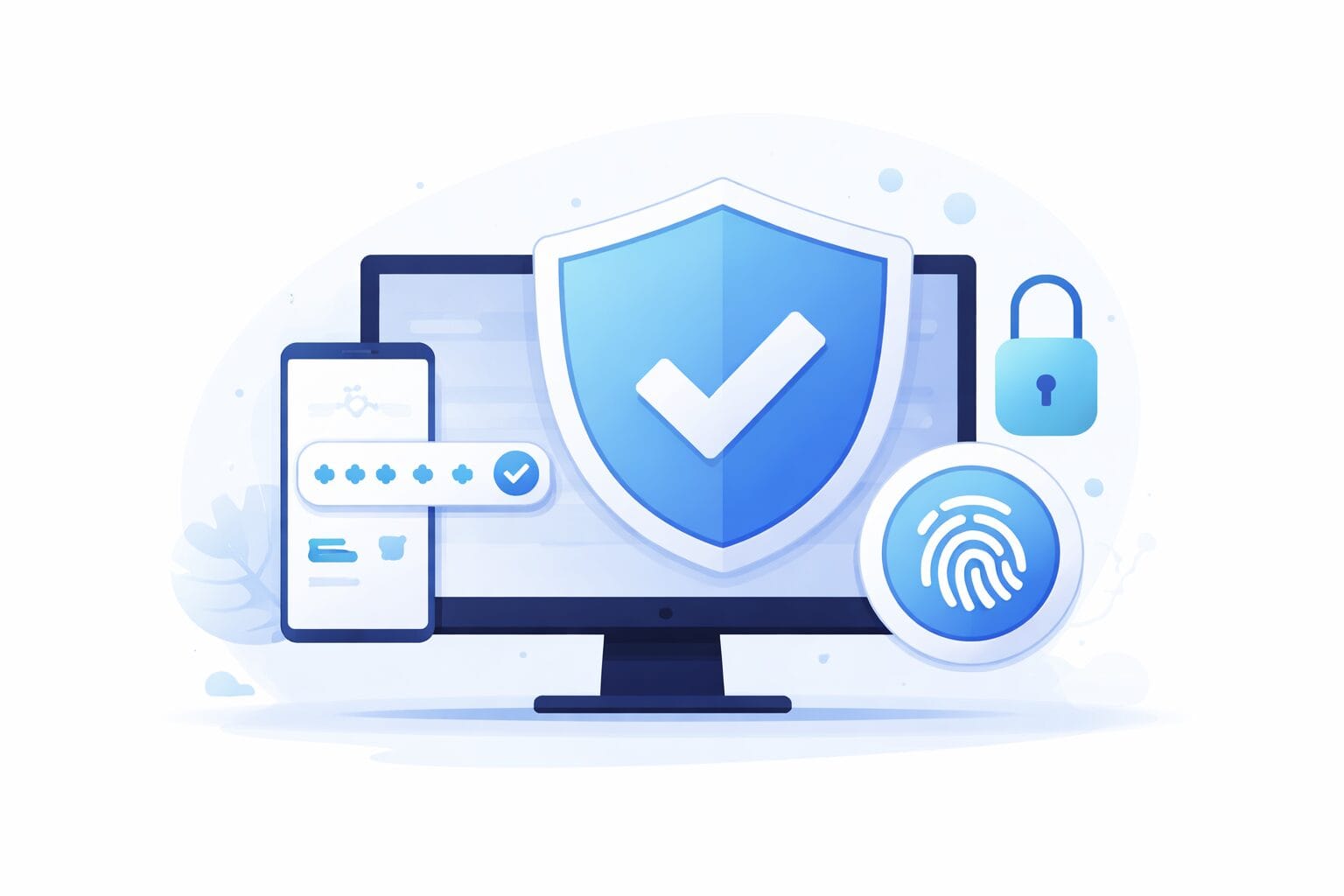
- 1. Turn on multi-factor authentication (MFA) on every account: Microsoft measures that MFA cuts the risk of an account being compromised by 99.22%, and by 98.56% even when the password has already leaked. It is the most effective measure and the simplest one to deploy
- 2. Install updates quickly: most break-ins exploit known weaknesses for which a patch already exists
- 3. Teach your employees to recognize phishing: a well-informed employee is your first line of defence. Regular phishing simulations bring the risk down sharply
- 4. Apply the 3-2-1 backup rule: 3 copies of your data, on 2 different media, with 1 copy off site or in the cloud (Azure Backup, for instance). Test your restores on a regular basis
- 5. Deploy an EDR (Endpoint Detection and Response): unlike a traditional antivirus, an EDR spots suspicious behaviour in real time and can halt an attack before it spreads
5. What should you do if you are attacked?
If ransomware does hit you, every minute counts. Here are the steps to take immediately, following the advice of the Canadian Centre for Cyber Security:
- Isolate immediately: unplug the infected machines from the network (Wi-Fi and cable) to stop the spread
- Do not power off your servers: valuable forensic evidence can disappear. Speak to an expert before you act
- Do not pay the ransom without getting advice: paying does not guarantee recovery of your data and it can expose you to legal consequences
- Report the incident: to the Canadian Centre for Cyber Security (cyber.gc.ca) and to your local police service
- Call your cyber insurer: if you carry coverage, put it into play right away
Having a documented incident response plan ready before an attack ever happens makes an enormous difference to how fast you recover. It is one of the things a vCIO or an IT partner such as OKTO Solutions sets up on your behalf.

6. Where do you start if you do not know where you stand?
The first step is an audit of your current security posture. The exercise quickly reveals your most critical weak points so you can correct them in order of priority, without redoing everything in one shot.
Small businesses in Quebec City and Trois-Rivières that work with OKTO Solutions get a review of their Microsoft 365 environment, their backup strategy and their access rights. We pinpoint what is at risk and we propose a concrete, realistic action plan.
Discover our cybersecurity services or contact us for an assessment of your security posture. Better to act before an attack makes the decision for you.
Sources:
Canadian Centre for Cyber Security: ransomware, how to prevent it and recover from it (ITSAP.00.099)
Microsoft Learn: protection against ransomware
Canadian Centre for Cyber Security: Ransomware Threat Overview 2025-2027
An article sets out the principle. Putting it in place happens one workstation at a time: our managed cybersecurity service, backup and disaster recovery and our IT services in Montreal.