Microsoft 365 for Small Businesses in Trois-Rivières: 6 Reasons to Adopt It in 2026

Microsoft 365 for small businesses in Quebec: remote work, security, Teams and OneDrive. Six reasons to adopt the suite in 2026, by OKTO Solutions.
Are you still running Office licences you bought outright five years ago? You are not alone. But in 2026, the small businesses in Trois-Rivières that have not moved to Microsoft 365 yet are falling behind on security, on collaboration and on efficiency.
Here is why Microsoft 365 has become the tool that businesses in the Mauricie region find hard to ignore, and how to get the most out of it.
1. Working from anywhere without giving up productivity
Remote work, satellite offices, client visits: your employees need access to their files and tools no matter where they are. Microsoft 365 makes that possible without a complicated setup.
- Word, Excel and PowerPoint reachable from any device
- OneDrive automatically syncs all your files to the cloud
- Outlook on the web lets you handle email from a browser
- Teams brings your people together for video calls, chat and screen sharing in one click
Our solution: OKTO Solutions configures Microsoft 365 for your whole team in Trois-Rivières, including the migration of your existing data.

2. Built-in security that protects your business around the clock
What it changes day to day
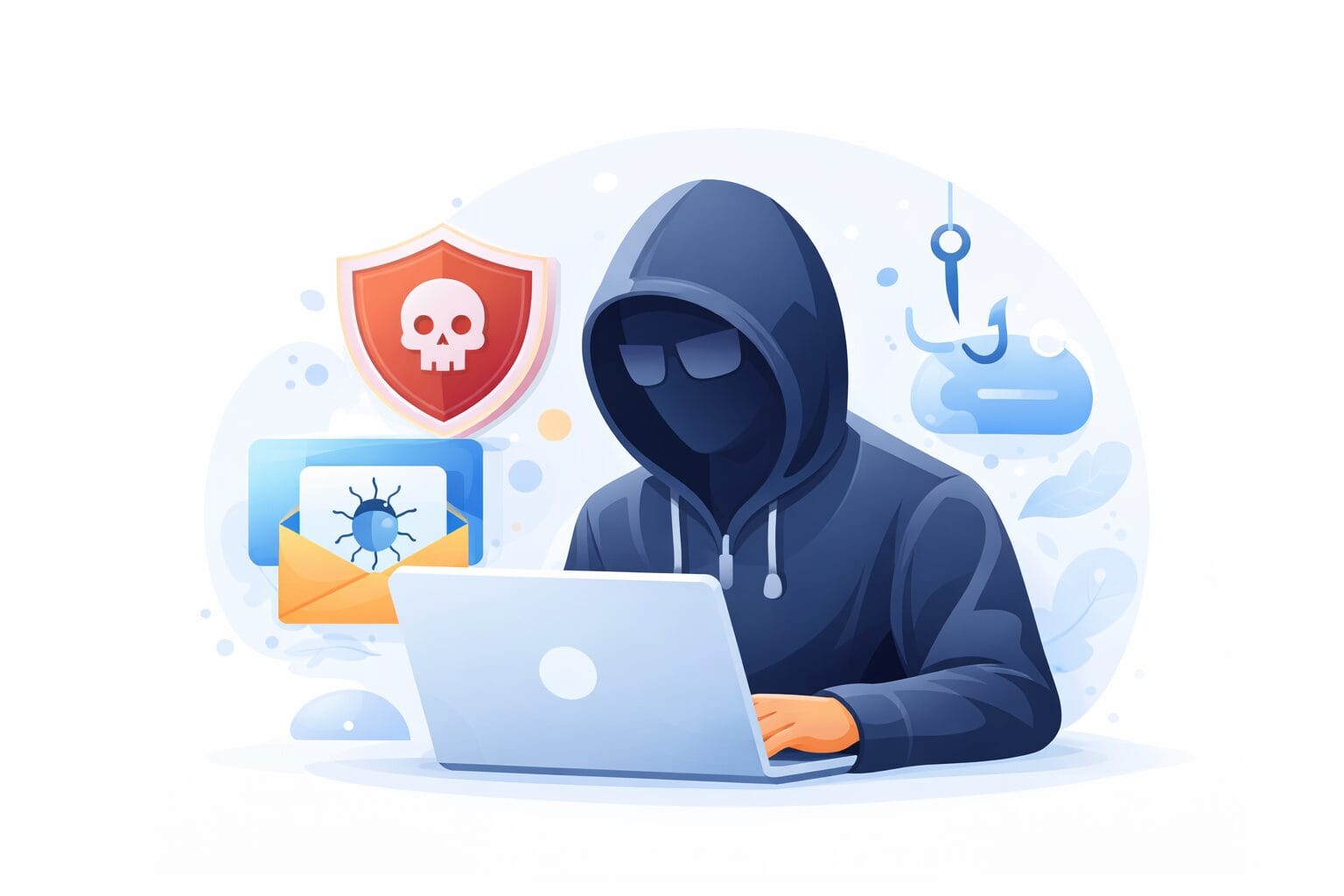
Small businesses are targeted by cyberattacks that keep getting more sophisticated. Microsoft 365 Business Premium includes layers of protection that most companies could not afford to buy separately.
- Microsoft Defender for Business: enterprise-grade antivirus on every one of your devices
- Protection against phishing email and malicious attachments
- Conditional access with Microsoft Entra ID: only approved devices reach your data
- Automatic alerts when a sign-in looks suspicious or access is unauthorized
Our solution: we turn on and configure all of these protections so your business is locked down from the first day.
3. Real-time collaboration: no more file versions going astray
What it changes day to day
How many times have you received an email with "Document_v3_FINAL_corrected2.docx" attached? With Microsoft 365, several people work on the same file at the same time, with no confusion.
- Simultaneous co-editing in Word, Excel and PowerPoint
- Full version history: go back to any earlier version
- SharePoint as a shared intranet for your policies, procedures and internal documents
- Teams channels to organize projects by team or by client
Our solution: OKTO structures your SharePoint and your Teams spaces around how your business actually works.

4. Your data backed up automatically, with nothing to do
What it changes day to day
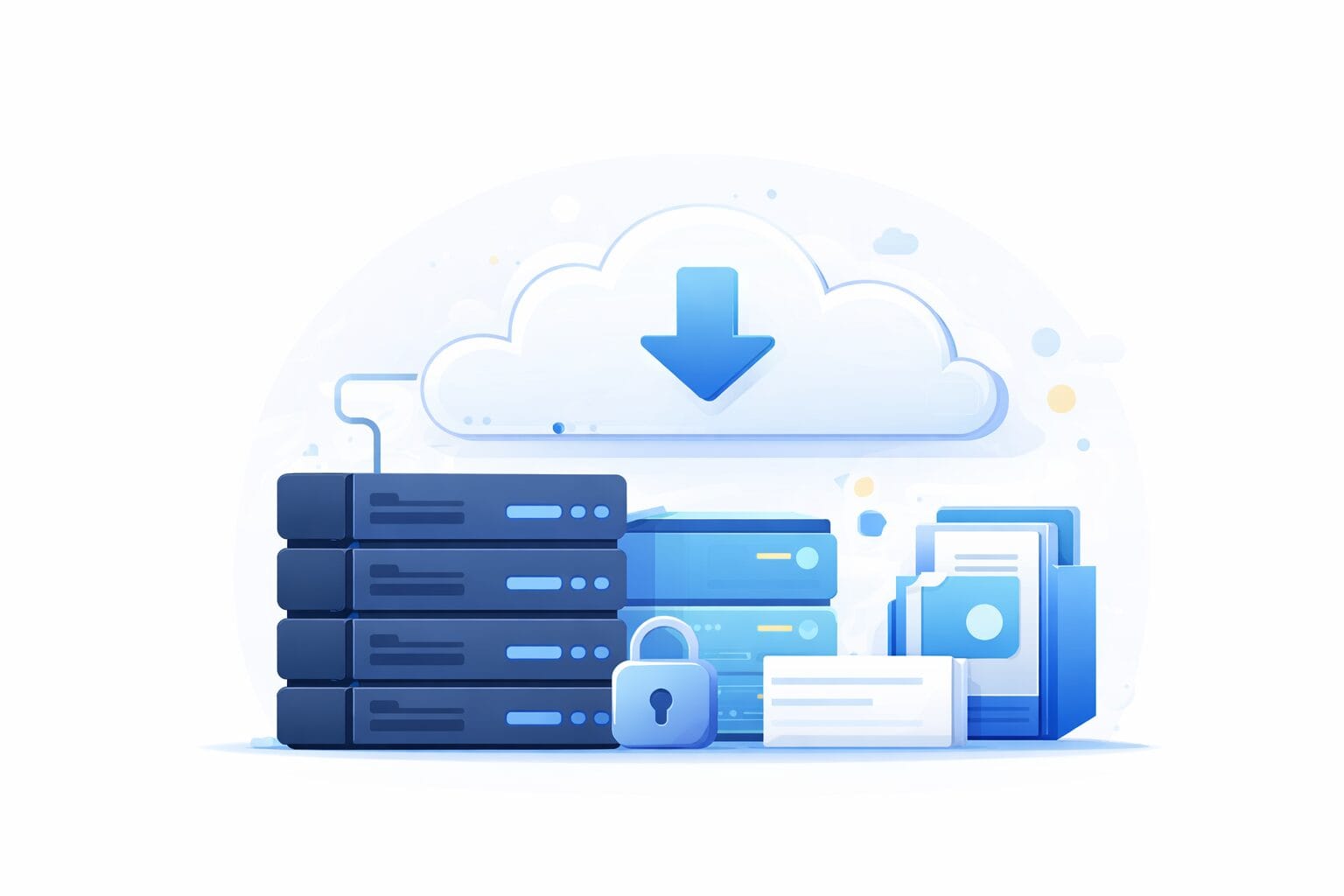
OneDrive and Exchange Online back up your files and your email in Microsoft’s redundant data centres. In the event of an outage, a stolen computer or a ransomware attack, your data stays intact.
- 1 TB of OneDrive storage per user included with the licence
- Cloud recycle bin: recover deleted files up to 93 days later
- Exchange Online mailboxes with configurable retention
- Additional backup recommended through a third-party solution (Veeam, Backupify)
Our solution: our managed IT services in Trois-Rivières include monitoring of your Microsoft 365 backups with automatic alerts.
5. Managing your users easily with Microsoft Entra ID
When an employee arrives or leaves, you have to be able to grant or revoke all of their access within minutes. Microsoft Entra ID (formerly Azure AD) centralizes identity management for your whole organization.
- One account per employee to reach every application
- Onboarding and offboarding automated in a few clicks
- Single sign-on (SSO) for your third-party tools (Slack, Salesforce and others)
- MFA enforced on every account with no individual setup
Our solution: we configure Entra ID so that your IT team, or OKTO, can manage access without any fuss.

6. A predictable monthly cost, with no surprises
No more large one-time spending to renew your Office licences. Microsoft 365 works on a monthly per-user subscription, which makes budgeting easier and lets you adjust as your team grows.
- Microsoft 365 Business Basic: a good fit for teams that mainly need the cloud tools and Teams
- Microsoft 365 Business Premium: advanced security included, recommended for small businesses
- Add or remove licences in a few clicks as your needs change
- No server to buy, no software maintenance to handle
Our solution: OKTO Solutions is a Microsoft Partner. We advise you on the right plan for your size and manage your subscription at the best rate.

Ready to migrate to Microsoft 365 in Trois-Rivières?
Migrating to Microsoft 365 can look complicated, but with the right IT partner it happens with no service interruption and no stress for your employees.
Frequently asked questions about Microsoft 365 for small businesses in Trois-Rivières
Does Microsoft 365 replace my local file server?
Yes, in most cases. SharePoint and OneDrive are a strong replacement for a local file server: access from anywhere, automatic backups, version history, secure sharing with clients or partners, and no hardware to maintain. The migration is gradual and can happen with no interruption.
Can you use Microsoft 365 without an internet connection?
Yes, in offline mode. Word, Excel, PowerPoint and Outlook work without internet once they are installed on your computer. OneDrive files can be synced locally for offline access. Changes sync automatically once the connection comes back.
Is Microsoft 365 secure enough for my clients’ data?
Yes, with the right configuration. Microsoft 365 Business Premium includes advanced security tools (Defender, Intune, conditional access policies) that go well past what most small businesses could deploy on their own. Turning on MFA and secure sharing policies is the minimum baseline to put in place.
OKTO Solutions guides small businesses in Trois-Rivières and across the Mauricie region through their adoption of Microsoft 365: needs analysis, data migration, security configuration, team training and ongoing support.
Discover our managed IT services or contact us for a no-obligation conversation.
The setting described here takes an evening. A whole fleet of workstations is another job: our Microsoft 365 management, Azure cloud services and our IT services in Laval.