How to turn off Windows 11 animations

Turning off Windows 11 animations makes your PC feel faster. A simple tutorial from OKTO Solutions, IT experts in Trois-Rivières. Try it right now.
Turn off Windows 11 animations to improve your PC’s performance
Turning off Windows 11 animations is a simple way to make your computer faster and more responsive. By default, Windows 11 uses several visual effects to make the interface look smooth and modern, but those animations add a slight delay to everything you do.
Why turn off Windows 11 animations?
Detailed steps
Windows 11 ships with several visual effects that can slow things down a little, especially on older workstations or on machines that are pushed hard.
- Animated window opening and closing
- Start menu animation
- Transitions between virtual desktops
- Visual effects when the mouse hovers over an item
These effects improve the look of the system but cut into its speed. Turning the animations off gives you an interface that feels more direct and more efficient.
The quick way to turn off animations
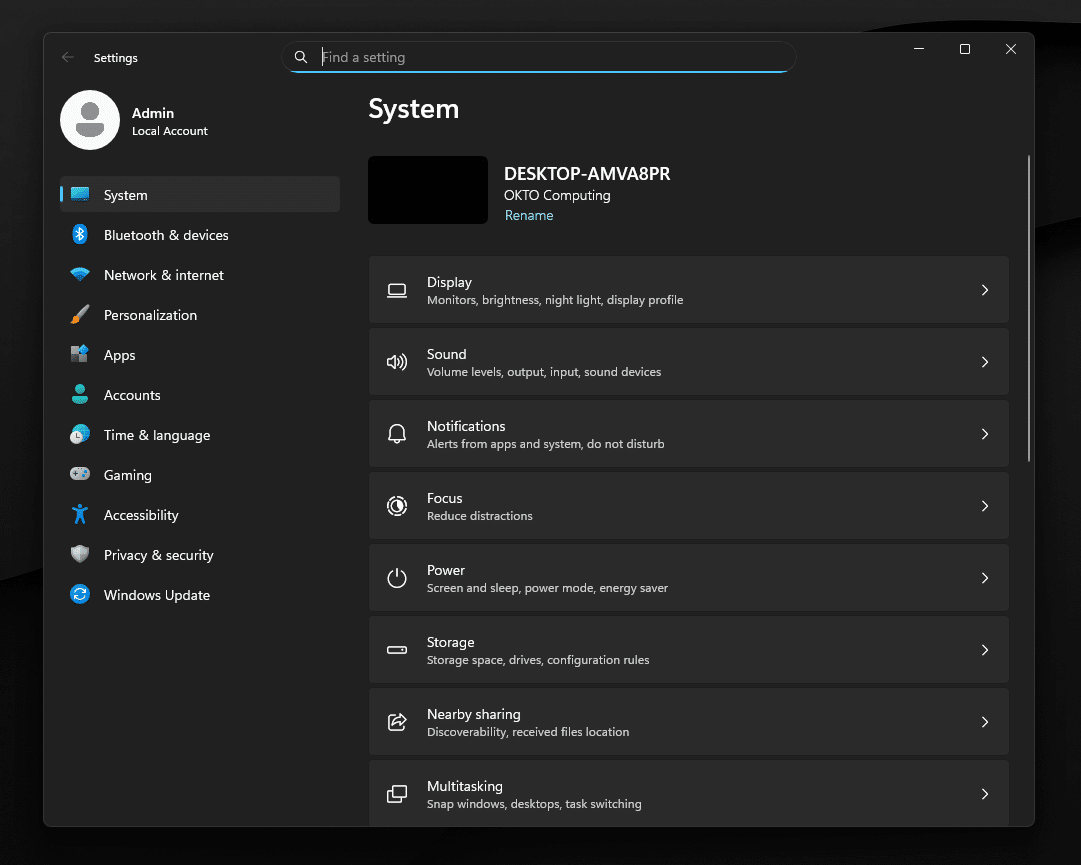
Here is the simplest way to turn off animations in Windows 11:
- Press Win + I
- Go to Accessibility
- Click Visual effects
- Turn off Animation effects
This one option shuts down the main animations and makes the system feel snappier right away.
The advanced way to tune performance
For finer control, you can adjust the animations by hand:
- Press Win + R
- Type sysdm.cpl
- Open Advanced system settings
- Click Settings in the Performance section
- Turn off the animations you do not need
You can keep some visual effects while still improving overall speed.
What you get after the tune-up
Once the animations are off, Windows 11 feels smoother:
- Applications open faster
- The Start menu responds more quickly
- Navigation feels instant
- Less visual lag
This tune-up improves productivity without changing your working environment.
On one workstation it is simple. On thirty, it takes a method: our managed IT services, our IT support and our IT services in Longueuil.