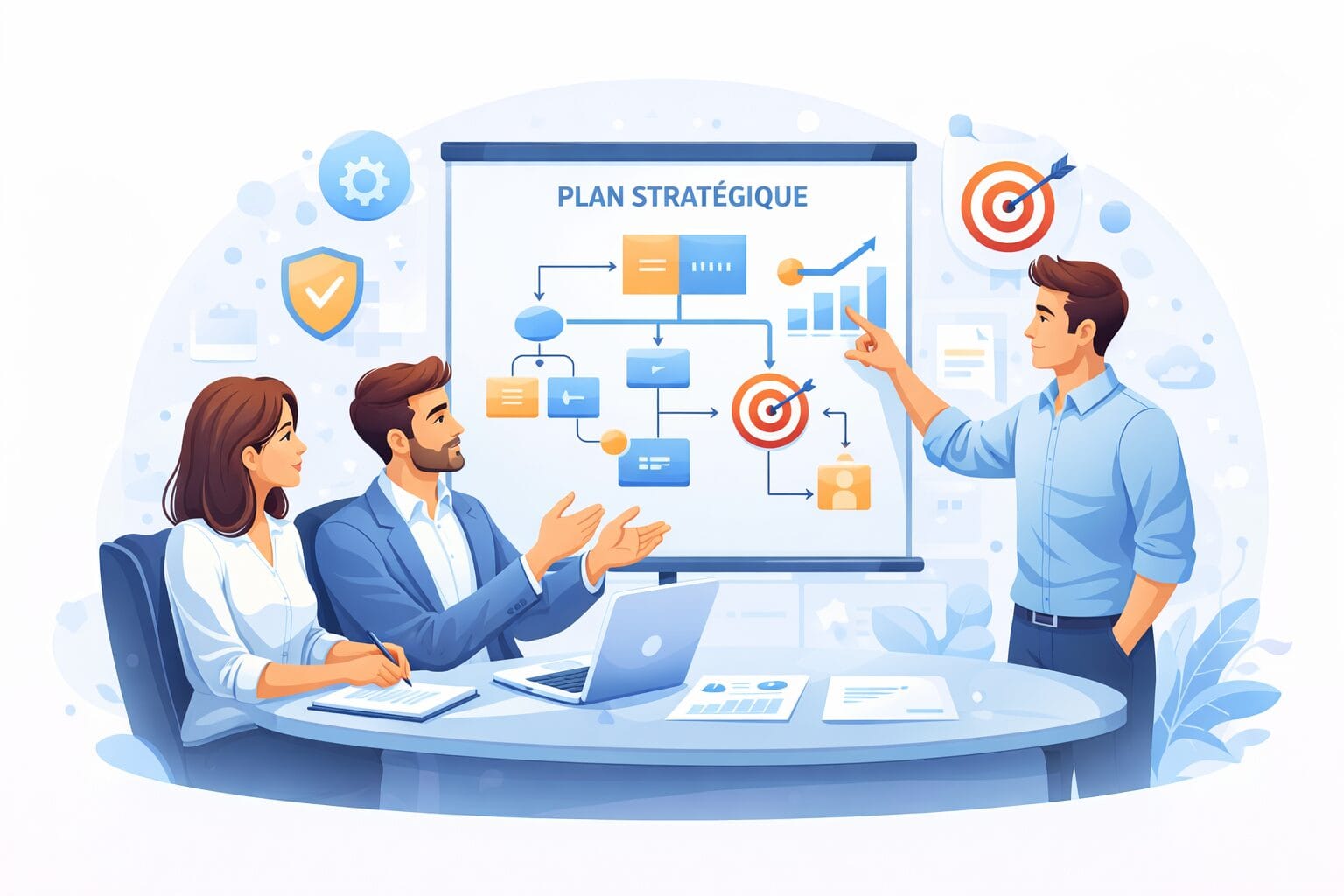
AI Agents Land in Word, Excel and PowerPoint: What Your Business Can Automate

If you use Microsoft 365, you have certainly heard of Copilot. One addition changes the picture, though: AI agents. Instead of simply answering your questions, they now carry out whole sequences of tasks on your behalf, right inside Word, Excel and PowerPoint. For a business in Trois-Rivières or the Mauricie, that is time recovered every single week.
Here is a plain explanation of what an AI agent is, what Copilot can now do inside your documents, and how to build your own agents without writing a line of code. No jargon, just what matters for your company.
Quick answer: An AI agent is an assistant that carries out complete tasks on its own instead of acting as a question-and-answer bot. In Microsoft 365, Copilot can now work through several steps in Word, Excel and PowerPoint. With Copilot Studio you can even build your own agents without coding, to automate employee onboarding, inventory tracking or customer service.
1. What is an AI agent?
An AI agent is a digital assistant that does more than reply. It carries a job from end to end: it plans the steps, uses your tools, then hands you a result. The difference from a classic assistant comes down to one word: autonomy.
Take an example. Asking "summarize this report" gets you an answer. Asking an agent to "summarize the report, flag the risks, then build a summary slide" sets off several actions in a row. That ability to act, and not only to talk, is what makes agents interesting for real work.
- It breaks a request down into several steps.
- It connects to your software to go find the information.
- It produces a real deliverable, not just text.

2. What Copilot can now do in Word, Excel and PowerPoint
Microsoft has added what it calls agentic capabilities directly inside the Office applications. In practice, Copilot takes action in your documents instead of only suggesting text.
- In Word: draft a structured first version, reorganize a long document, then apply all your comments in one pass.
- In Excel: clean up a table, build formulas, produce an analysis and a chart from a single instruction.
- In PowerPoint: turn a document into a deck, adjust the layout and make the whole thing consistent.
The gain is not magic, mind you. You stay in charge: the agent proposes, you approve. It speeds up repetitive work, it does not make decisions for you.
3. Build your own agents without code using Copilot Studio
The real news for smaller companies is Copilot Studio. The tool lets you build an agent tailored to your own processes without knowing how to program. You describe the task, you connect your tools, and a simple dashboard lets you manage the whole thing.
These agents plug into the software you already run. Microsoft advertises more than a thousand connectors to services such as Shopify, Xero, Docusign and Asana, which opens the door to useful automation without a heavy IT project.
4. Concrete examples for a small business
To make this tangible, here are realistic automations a small Quebec business can aim for.
- Onboarding a new employee: create the accounts, send the documentation and schedule the training.
- Tracking inventory and raising an alert when a product drops below a threshold.
- Sorting customer service requests and drafting standard replies.
- Chasing unpaid invoices automatically.
Our comparison piece, Copilot or ChatGPT for your business, helps you pick the right starting point for your needs.
OKTO tip: Start with a single agent, on one precise and repetitive task. Measure the time you save, adjust, then widen the scope. It is the safest way to get a real return without unsettling your teams.

5. Security and governance: staying in control
Giving an agent autonomy calls for a framework. Microsoft has strengthened governance on exactly this point, giving administrators more visibility into what each agent can do and see.
- Restrict each agent’s access to the data it genuinely needs.
- Review sensitive actions before they run.
- Frame usage with a clear policy for your teams.
A local IT partner can set those guardrails up properly, so the productivity you gain does not turn into risk for your data.
Frequently asked questions
What is an AI agent?
It is a digital assistant that carries out complete tasks on its own, across several steps, rather than simply answering a question. In Microsoft 365, an agent can analyze a file, produce a report and build a presentation from a single instruction.
Do you need to know how to code to build an AI agent?
No. With Microsoft Copilot Studio you describe the task in plain language and connect your tools, without writing code. IT support is still useful to connect your systems properly and secure the result.
Is it safe for my company data?
Yes, provided you control the access. Enterprise-grade tools include governance controls that limit what an agent can see and do. Set a clear policy and apply solid security practices.
Automate your work with a local partner you can trust
AI agents can free up valuable time for your business, as long as you pick them well and govern them properly. To identify the first automations worth doing and secure your data, explore our IT services or contact the OKTO Solutions team in Trois-Rivières for a no-obligation assessment.
Reading about AI is one thing. Connecting it to your own data is another: artificial intelligence in business, custom AI application development and our IT services in Quebec City.