Claude Reflect: the dashboard that reveals your AI habits

On July 9, 2026, Anthropic added a feature to its assistant that shifts the relationship people have with artificial intelligence. It is called Claude Reflect, and instead of helping you complete a task, it shows you how you have been using the tool week after week. How often, for what, and at what times of day. A sort of report card on your own digital habits.
It is the kind of release that slips past unnoticed next to new model announcements, yet it touches a very concrete question for a small business: are we using AI the right way, and are we keeping control over the space it takes in our work? Here is what Claude Reflect does, what it reveals, and why it deserves your attention.
Quick answer: Claude Reflect is a free dashboard, released by Anthropic on July 9, 2026, that summarizes your Claude usage over 1, 3, 6 or 12 months. It shows your recurring topics, when you use it most, and offers guardrails such as quiet hours and break reminders. Useful for stepping back, though keep in mind it also nudges you to use AI more.
1. What exactly is Claude Reflect?
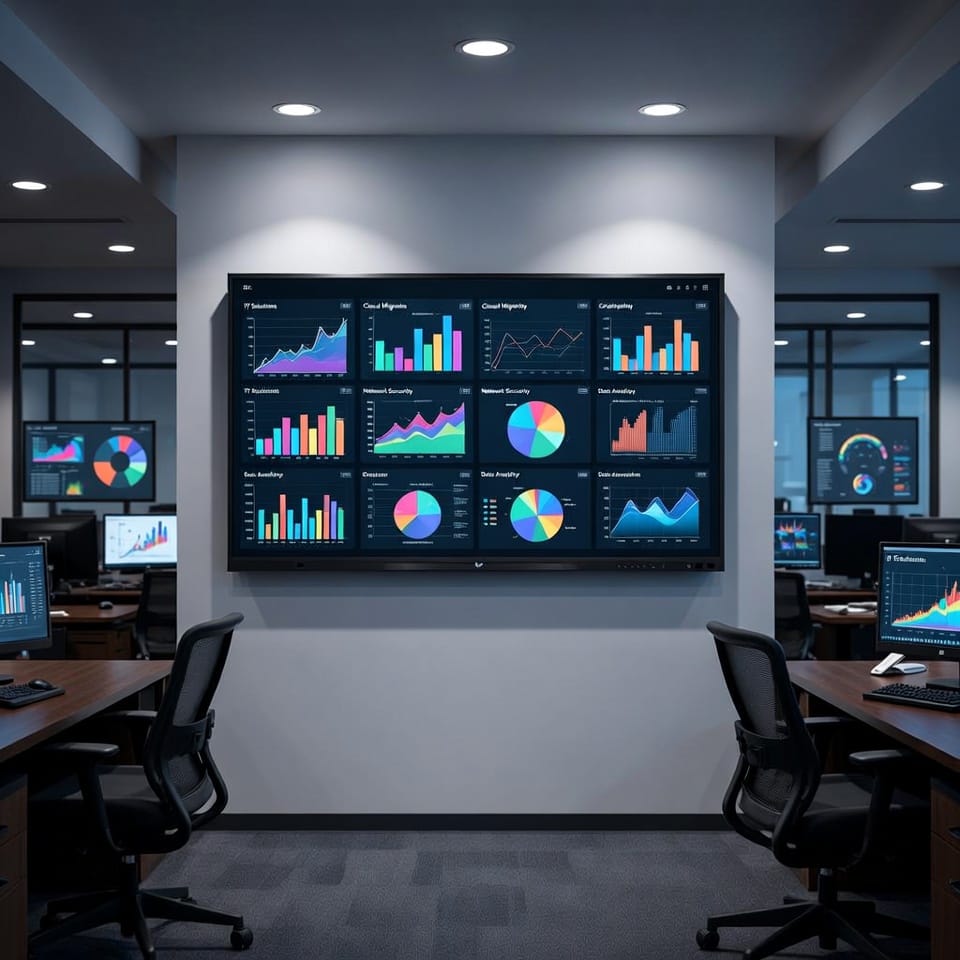
Claude Reflect is a dashboard built directly into Claude, Anthropic’s AI assistant. Its purpose is not to produce text or code, but to hand you a clear picture of your own usage. You pick a period (the past month, three months, six or twelve) and the tool turns your history into a readable report.
The feature is offered in beta to users on the free, Pro and Max plans, with one condition: Claude’s memory has to be turned on. You reach it from the settings, on the web or in the desktop application. Several outlets nicknamed it the Wrapped of AI, a reference to the annual recap popularized by music apps, except here you do not wait until December to look at it.

2. What does the dashboard show you?
The report goes beyond a message counter. It highlights the kinds of tasks you hand to Claude most often, the times you use it most, and it places your usage against a framework Anthropic calls its AI fluency framework. That framework rests on four simple markers:
- Delegation: deciding what to hand to the AI and what to keep for yourself.
- Description: stating your need clearly enough to get a useful answer.
- Discernment: judging whether the output is good before you use it.
- Diligence: staying accountable for what you do with the answers.
The tool does not just say how much you used Claude. It tries to show whether you are using it well, and where you could improve. For a team starting to bring AI into its daily work, that is an interesting mirror: you quickly see whether the tool serves high-value tasks or has become a reflex.
3. Guardrails for healthier use
The most original part of Claude Reflect is its stepping-back section. Every so often, the dashboard asks you a question along the lines of: what do you want to keep doing yourself, even if Claude could do it faster? It is an invitation to think about the place AI holds in your work, rather than letting it grow without noticing.
Two settings come with it:
- Quiet hours: stretches where you decide to put the tool aside.
- Break reminders: a notification after a certain amount of use, which you can always ignore.
On privacy, Anthropic states that the report does not draw from incognito conversations, does not pull files from the tools you have connected, and completely excludes exchanges tied to health integrations. Sensitive topics are shown only in very general terms. These are useful precautions to know before turning the feature on in a work setting.

4. The flip side: a tool that also sells you on AI
This has to be said plainly, because serious outlets raised it. TechCrunch notes that Claude Reflect does not only inform you. By showing how deeply the tool is already woven into your days, and by suggesting new ways to use it, it also encourages a deeper reliance on the assistant. The outlet compares the approach to older usage analytics tools that, under a neutral surface, mostly reminded users how central a service had become.
This is not an accusation, it is a nuance. A dashboard that helps you understand your habits can be genuinely useful and serve its maker’s commercial interests at the same time. Both can be true. For a small business, the right posture is simply to keep a critical eye: recommendations on how to use AI better are suggestions, not obligations.
5. What does this change day to day for your business?
Beyond the novelty, Claude Reflect puts a finger on a real management issue: visibility. Plenty of companies adopt AI without ever really knowing who uses it, for what, and how often. A tool that makes that usage visible is a first step toward more deliberate, better governed use.
A few ways to get value from it without falling into the trap:
- Use the recap to spot repetitive tasks that could be better organized or automated elsewhere.
- Check that sensitive uses (client data, financial information) run through governed tools, not personal accounts.
- Treat the quiet hours and breaks as a reminder: AI assists the work, it does not take it over entirely.
Choosing the right AI tools, defining who gets access and protecting your data while you adopt them is exactly the kind of support an IT partner provides. Our managed IT services help businesses in Trois-Rivières and the Mauricie frame AI use without slowing productivity down. If you are wondering where to start, just contact us and we will talk it through.

Frequently asked questions
Is Claude Reflect free?
Yes. The feature is offered in beta to users on Claude’s free, Pro and Max plans. The only condition is having the assistant’s memory turned on. You enable it in the settings, on the web or in the desktop app.
Does Claude Reflect see all my conversations?
No. Anthropic states that the report does not use incognito conversations, does not retrieve files from your connected tools, and entirely excludes exchanges tied to health integrations. Sensitive topics appear only in very general terms.
What is this dashboard actually for?
It summarizes your usage habits over 1, 3, 6 or 12 months: your frequent topics, when you use it, and pointers on getting more out of the AI. It also offers quiet hours and break reminders to keep usage balanced.
Adopting AI without losing control
Claude Reflect illustrates where AI is heading in 2026: tools that no longer just produce, but help you understand how you use them. That is a good thing, as long as you keep your judgment and protect your data along the way. To bring artificial intelligence into your company safely and usefully, have a look at our managed IT services or write to us directly through our contact page.
Sources: Anthropic · TechCrunch · Digital Trends · OKTO Solutions
Reading about AI is one thing. Connecting it to your own data is another: artificial intelligence in business, custom AI application development and our IT services in Quebec City.