Microsoft 365 for Small Businesses in Montreal: Deployment Guide

Email, shared files, video meetings, security: more and more Montreal small businesses are bringing everything together on a single platform. Microsoft 365 for small businesses in Montreal gathers the most widely used productivity tools in the world, with enterprise-grade security behind them. You still have to deploy it properly to get the full value out of it.
In this guide, we go over what Microsoft 365 includes, what it does for a small business, and the practices that make a Montreal deployment go well.
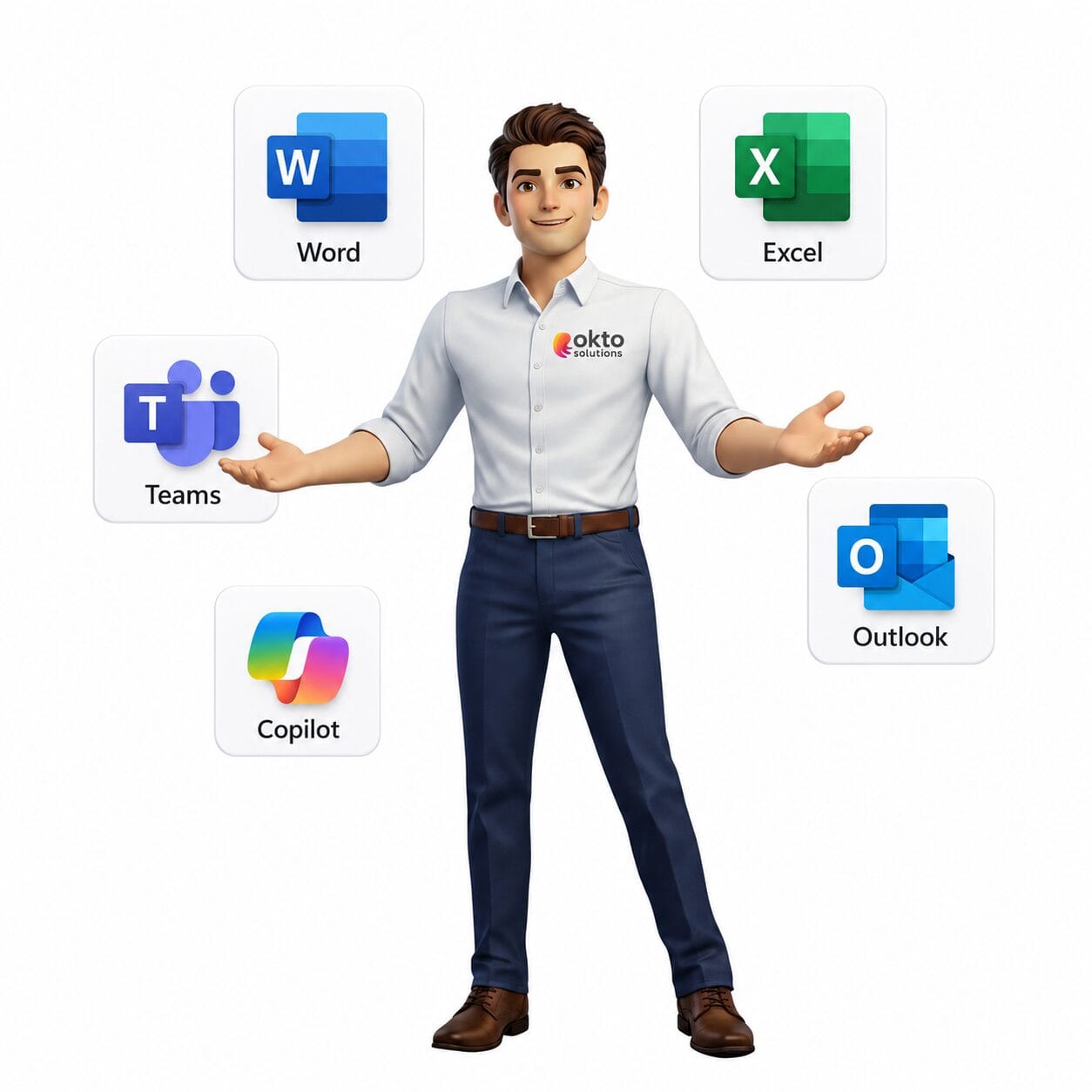
Quick answer: Microsoft 365 for small businesses in Montreal brings Outlook, Teams, Word, Excel, SharePoint and advanced security (MFA, anti-phishing) together in a single subscription. Deployed properly, it improves productivity and protects your data, with Copilot AI available as an option.
1. Why Microsoft 365 appeals to small businesses in Montreal
To start with, the suite gathers Outlook, Teams, Word, Excel, PowerPoint and SharePoint under one subscription. Your employees work on the same tools wherever they happen to be. Remote and hybrid work have become the norm across the region.
On top of that, this Microsoft suite includes advanced security: encryption, multi-factor authentication and phishing protection. In other words, you get tools that used to be reserved for large organizations.
2. What Microsoft 365 includes for a small business in Montreal
The offer comes in several plans. Here are the pieces that are most useful to a small business.
The productivity applications
Word, Excel, PowerPoint and Outlook are still the daily workhorses. They run online and offline, on a computer and on a phone.
Collaboration with Teams and SharePoint
Teams brings calls, chat and meetings into one place. SharePoint and OneDrive store your files in the cloud, reachable securely from anywhere.
The built-in security of Microsoft 365
Defender protects your email and your devices. That way, most cyberthreats are blocked before they ever reach your employees.
3. Microsoft 365 and Copilot artificial intelligence
Copilot now brings generative AI right into your applications. It drafts email, sums up Teams meetings and analyzes Excel data. For a small business, that saved time turns into real productivity. Adoption still has to be framed properly to protect your data.
Worth remembering: Microsoft 365 is not just a mailbox. It is a complete platform for productivity, collaboration and security, and it scales as you grow.
4. Getting the Microsoft 365 deployment right for a small business in Montreal
A good deployment avoids data loss and confusion. Here are the key steps.
Migrating to Microsoft 365 for a small business in Montreal
First, mailboxes and documents are moved across with no service interruption. Then OneDrive and SharePoint are configured for secure sharing.
Setting up the security
Multi-factor authentication and access policies have to be turned on from the very start. That way your accounts stay protected even when a password is stolen.
5. Microsoft 365 for small businesses in Montreal with OKTO Solutions
At OKTO Solutions, we plan, migrate and secure your Microsoft 365 environment, then we train your teams in Montreal. That way you adopt the platform without stress and without losing productivity.
To round things out, read our guide to managed IT services in Montreal and our advice on cybersecurity for small businesses.

Frequently asked questions
Is Microsoft 365 safe for a small business?
Yes. The platform offers encryption, multi-factor authentication and anti-phishing protection. A sound initial configuration is still essential.
Can you migrate without interrupting work?
Absolutely. A planned migration moves email and files in the background, often outside business hours.
Is Copilot worth the investment for a small business?
For teams that write, analyze or meet a lot, yes. The time saved covers the cost quickly.
Move to Microsoft 365 with confidence
Ready to deploy Microsoft 365 in your Montreal small business? Contact OKTO Solutions for support you can put to work right away, or explore our services.
The setting described here takes an evening. A whole fleet of workstations is another job: our Microsoft 365 management, Azure cloud services and our IT services in Laval.