The Benefits of Microsoft Copilot for Your Quebec Business

Microsoft Copilot has been the talk of the town since it landed in Microsoft 365, but plenty of business owners in Quebec are still asking the same question: is it genuinely useful for my company, or is it one more gadget? The short answer is yes, provided you understand what Copilot actually does and how to fit it into your workflows. Here is an honest tour of the real benefits of Microsoft Copilot for smaller businesses.
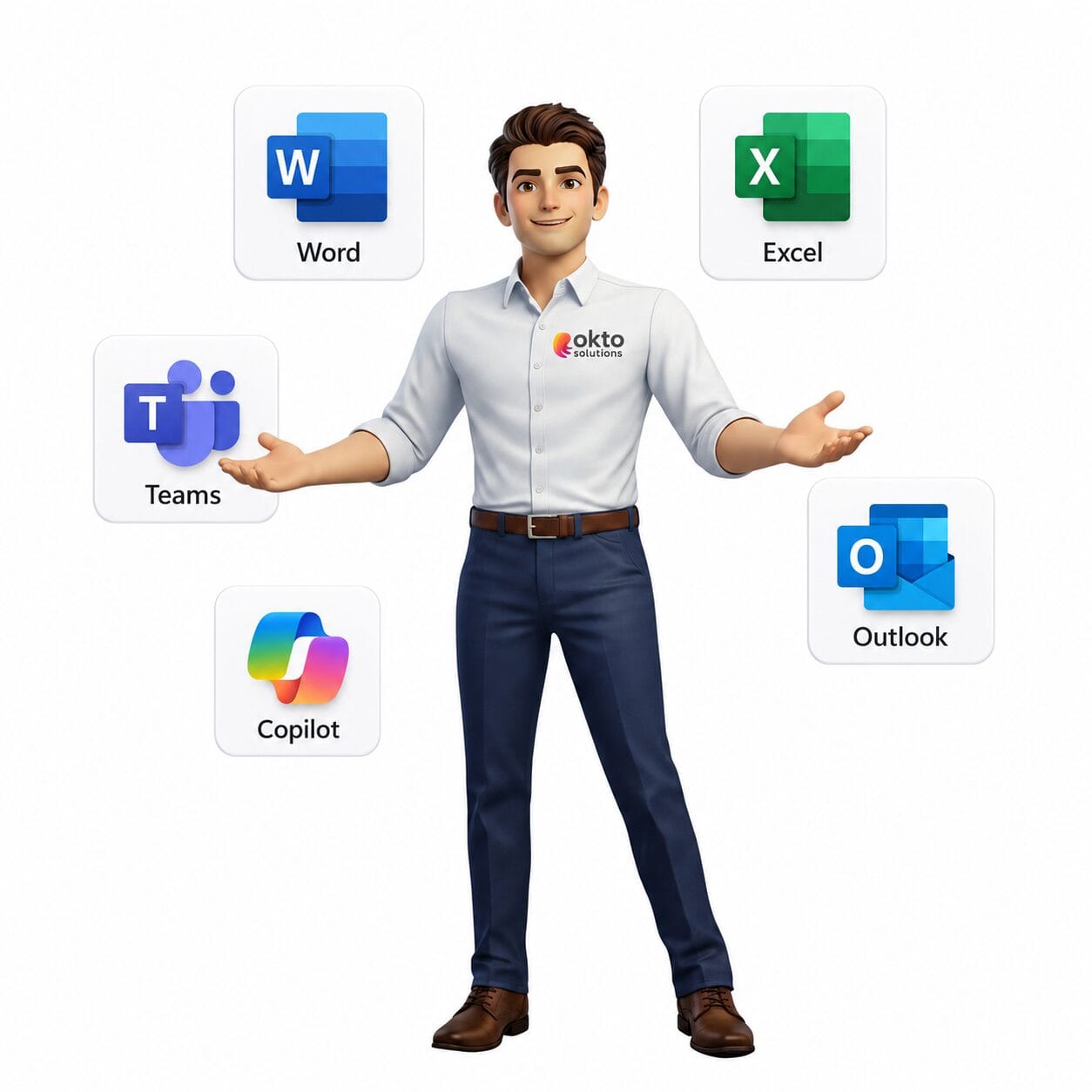
Unlike ChatGPT or other general AI assistants, Microsoft Copilot is built straight into the applications your employees already use every day: Teams, Outlook, Word, Excel, PowerPoint. It does not replace your tools, it amplifies them. For a business trying to do more with the same resources, that is a concrete advantage.
Key figure: in a Microsoft survey of 297 users from its early access program, run in November 2023, 70% of Copilot users said they were more productive and 68% said the quality of their work had improved (Microsoft, Work Trend Index Special Report, 2023). The sample is small and made up of volunteers, so read it as a trend, not as a market measurement.
Quick answer: Microsoft Copilot gives Quebec businesses a concrete productivity gain: assisted writing, meeting summaries, data analysis and automation. Deployed properly, it frees up time while keeping your data protected.
1. What Microsoft Copilot really is, and what it is not
Microsoft Copilot for Microsoft 365 is an AI assistant built directly into the Microsoft 365 applications (Teams, Outlook, Word, Excel, PowerPoint, OneNote). It uses OpenAI’s advanced language models, combined with your own company content through Microsoft Graph, to give you contextual help in real time.
What Copilot does:
- Summarizes Teams meetings and long email threads
- Drafts documents, presentations and email
- Analyzes data in Excel and builds charts automatically
- Answers questions about your company files and data
- Suggests actions and next steps in your workflow
What Copilot does not do: it does not replace human judgment, it does not make decisions for you, and it does not guarantee that every answer is accurate. Treat it as an assistant, not as an authority. Employees should always verify critical information.
Important: Copilot only uses data the user already has access to in Microsoft 365. It cannot reach confidential files restricted to other employees, which preserves the security permissions you already have in place.
2. Copilot in Teams and Outlook: the daily grind, changed
The two applications where Copilot has the most immediate impact for a smaller business are Teams and Outlook, because those consume the most time in a typical working day.
Microsoft Teams
Copilot can join your Teams meetings and produce a structured summary automatically: points discussed, decisions made, action items and who owns what. No more taking notes by hand during a meeting. You can also question Copilot afterward: "What did Marc say about the budget?" or "What next steps did we agree on?"
In Teams chat, Copilot can summarize long conversations and bring you up to speed quickly if you missed an exchange. That is especially handy for teams working staggered hours or across time zones.
Microsoft Outlook
Copilot can read a long, tangled email thread and produce a summary in seconds. It can also draft complete replies based on the context of the conversation, leaving you only to adjust before sending. For managers handling dozens of messages a day, the time saved is immediate.
3. Copilot in Word, Excel and PowerPoint: hours recovered
Beyond communication, Copilot also changes how you create documents and analyze data.
Word and PowerPoint
Copilot can generate a complete first draft of a document or a presentation from a plain-language description. "Create an 8-slide presentation on our new service offering for manufacturing businesses": Copilot produces an initial structure with content, headings and visual suggestions. You start from a solid base instead of a blank page.
Excel
In Excel, Copilot lets you analyze tables without mastering complex formulas. You can ask in plain language: "Show me sales by region for the last quarter" or "Build a chart comparing 2024 and 2025 expenses". Copilot generates the formulas, the filters and the visualizations for you. For businesses managing budgets, inventory or reporting, that is a serious time saver.
A concrete example: a service business that prepares client proposals every week can use Copilot in Word to produce a personalized first draft in a few minutes instead of an hour of manual writing. Across 50 weeks a year, that is dozens of hours recovered.
4. Copilot versus other AI assistants: what is the real difference?
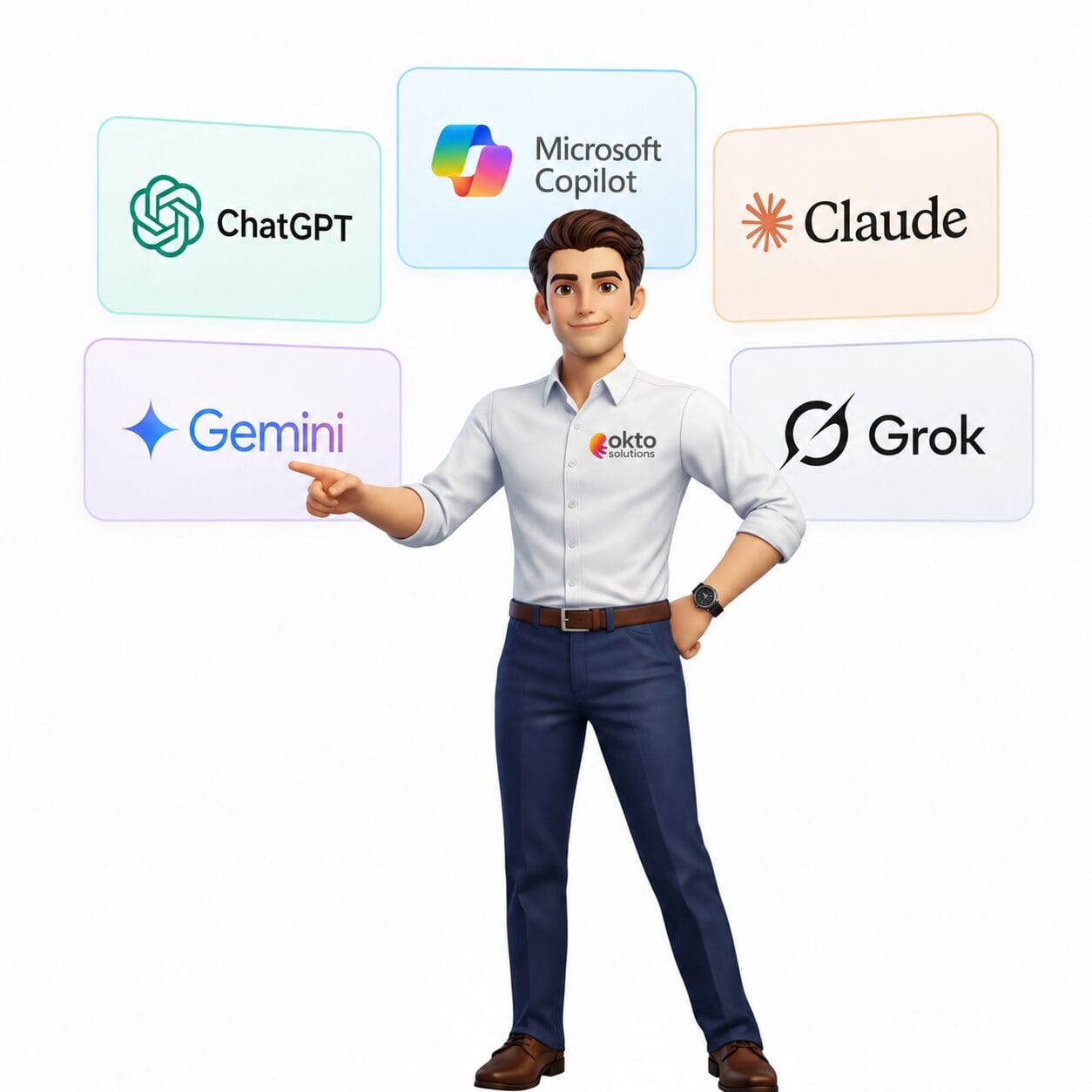
ChatGPT, Claude, Gemini, Grok: there are several AI assistants on the market. Why choose Copilot for a business that already runs Microsoft 365?
| Criterion | Microsoft Copilot | General AI assistants |
|---|---|---|
| Microsoft 365 integration | Native and direct | None (copy and paste required) |
| Access to your company data | Yes, through Microsoft Graph | No (data entered by hand) |
| Security and compliance | Data stays in your Microsoft tenant | Data sent to third-party servers |
| Central management | Through the Microsoft 365 admin centre | Individual accounts with no oversight |
| Cost for a small business | Monthly licence per user | Free to $20/month per user |
Copilot’s main advantage for a smaller company is not necessarily the raw power of the AI model, it is the direct integration into the tools you work in and the assurance that your company data does not leave your secured Microsoft environment.
5. Security and privacy: your data stays with you
This is one of the most common concerns among business owners: if I use an AI assistant, will my company data feed a shared model or end up exposed?
With Microsoft Copilot for Microsoft 365, the answer is no. Here are the guarantees on offer:
- Your data stays in your Microsoft 365 tenant: Copilot does not use your data to train Microsoft’s or OpenAI’s AI models.
- Permissions are respected: Copilot can only reach data the user already has access to under your Microsoft 365 security rules.
- GDPR and Law 25 compliance: Microsoft offers contractual data protection commitments aligned with Canadian and European regulations.
- Audit logs: all Copilot activity is recorded in the Microsoft 365 compliance logs for administrators.
That said, it matters that permissions and access in Microsoft 365 are configured correctly before you turn Copilot on, because the AI can surface files a user technically has access to but would never have thought to look for. A Microsoft partner can run that permission review with you before deployment.
6. Frequently asked questions about Microsoft Copilot for business
How much does Microsoft Copilot for Microsoft 365 cost in 2026?
In 2026, the enterprise Microsoft 365 Copilot add-on is listed at 30 USD per user per month with an annual commitment, or 40.70 CAD at the Canadian list price, on top of an eligible Microsoft 365 licence. A business under 300 users can instead take Microsoft 365 Copilot Business, at 28.50 CAD per user per month. Microsoft also offers cheaper tiers aimed at small businesses, starting at 18 USD per user per month. Copilot is not available standalone: you need an active Microsoft 365 base first. Check the Microsoft pricing page before you budget, because the rates move.
Should employees be trained before Copilot is deployed?
Yes, basic training is recommended to maximize adoption and real value. Employees who know how to write good prompts get far more useful results. OKTO Solutions offers hands-on training sessions built for smaller companies so you start off well.
Does Copilot work in French?
Yes, Microsoft Copilot supports Canadian French. You can write your prompts in French and get answers in French. The quality is good, though some nuances of Quebec terminology may occasionally need adjusting.
How many users should we start with?
We recommend starting with a pilot group of 5 to 10 users drawn from different functions. That lets you identify the most valuable use cases for your business before rolling out more widely.
OKTO Solutions guides you toward Microsoft Copilot
At OKTO Solutions we are a Microsoft Partner, and we support businesses in Trois-Rivières, Montreal and across Quebec in adopting Microsoft 365 Copilot: from the initial assessment through to team training and security configuration.
If you want to assess whether Copilot suits your business, or if you would like to start a pilot project, get in touch for a consultation with no obligation. We help you identify the use cases that pay off fastest for a Quebec business.
To learn more, see the official Microsoft Copilot overview on Microsoft Learn.
Questions about this article? Contact our OKTO Solutions team for a no-obligation conversation.
Sources: Microsoft: Work Trend Index 2025, AI at Work Is Here. Now Comes the Hard Part (microsoft.com) | Microsoft: Microsoft 365 Copilot documentation (learn.microsoft.com) | Microsoft: Digital Defence Report 2025 (microsoft.com)
Reading about AI is one thing. Connecting it to your own data is another: artificial intelligence in business, custom AI application development and our IT services in Quebec City.