
Donnacona
IT services in Donnacona: secure remote work, at home and on the road
Part of the team works from home. Another part spends its days at customer sites, with a laptop in the trunk of the car. OKTO Solutions offers its services to SMBs in Donnacona from Trois-Rivières, about 87 km away, and starts with one question: who opens your files, and on which device?
For an SMB in Donnacona, securing remote work comes down to controlling three things: the identity of the person signing in, the device being used, and where the files live. OKTO Solutions puts those measures in place remotely from Trois-Rivières, about 87 km away: multi-factor authentication, encrypted and managed laptops, and access that can be cut in a few minutes.
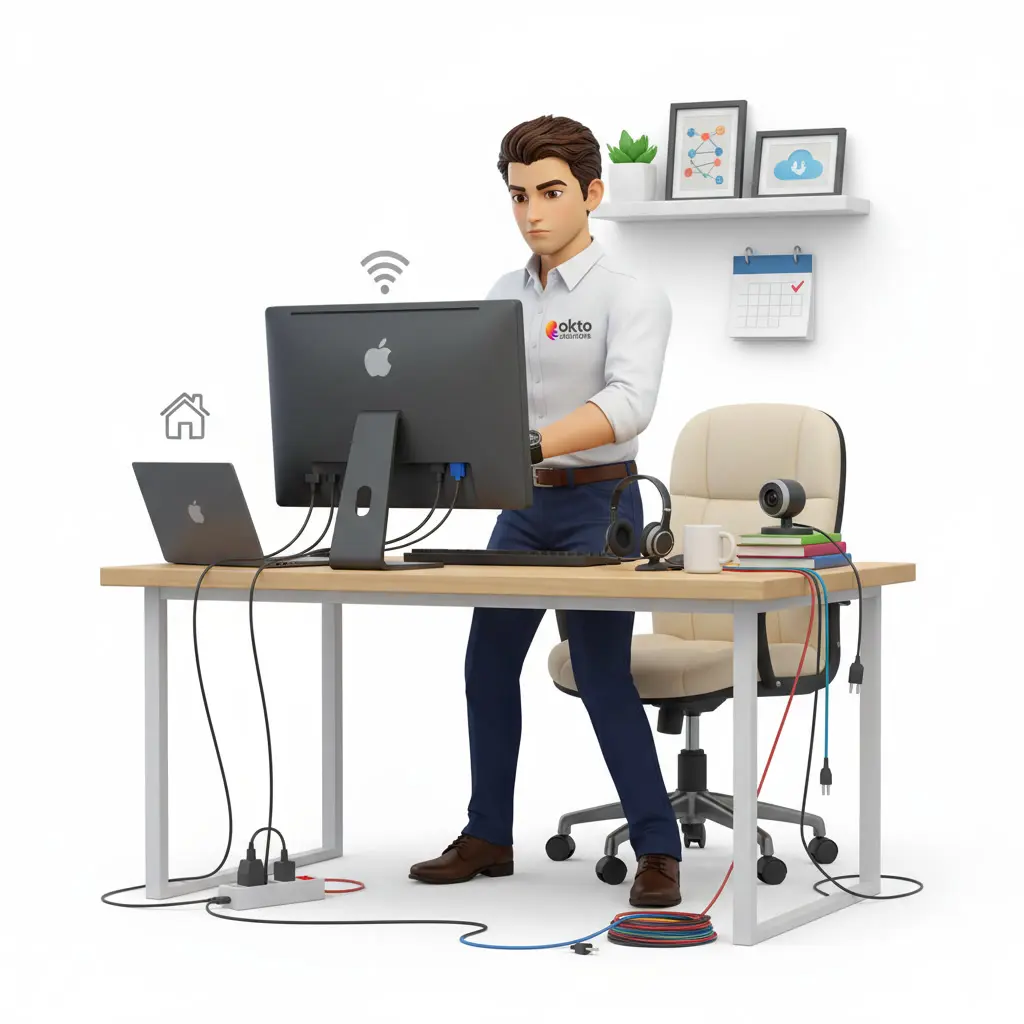
How does a Donnacona SMB secure remote work?
A Donnacona business with staff working from home or on the road has to answer three questions: who is signing in, from which device, and how that access gets cut without delay. OKTO Solutions offers its services to SMBs in Donnacona from its office in Trois-Rivières, about 87 km away, and secures remote work by moving the control point to identity, device and data instead of each household. Multi-factor authentication protects email, files and applications. Company laptops are enrolled in central management, with the disk encrypted and updates tracked. Working documents sit in a shared, backed-up company space, never on a computer’s desktop. A lost laptop is locked and wiped remotely, then the account is revoked. OKTO has no premises and no technician stationed in Donnacona: the work is done remotely, and a trip is scheduled when the mandate calls for one.
Signing in
What gets checked when someone signs in from outside?
Two things: the person, then the machine. Nobody can inspect every employee’s living room. What can be required is proof of identity and a device in good standing before anything opens.
For the person, that means multi-factor authentication on email, files and applications, with rules that weigh the country, the device and the risk of the sign-in. A stolen password by itself no longer opens anything. An attempt coming from an unusual country is blocked outright.
For the machine, every company workstation is enrolled in central management. The disk is encrypted, updates go through, detection is running, and the compliance status is known. So you know which devices touch your data, and which ones have no business there anymore.
And no, it does not slow everyone down. Set up properly, the second factor shows up on an unusual sign-in, not every time a session opens.
 Company portal×
A sign-in to the company portal: the device is checked, then the request is approved on the phone.
The bad days
Lost laptop, stolen password: what difference does it make?
A laptop that travels will one day be left behind on a seat. What matters is what happens next.
| What happens | With unmanaged devices | With the measures in place |
|---|---|---|
| A laptop is lost or stolen | Passwords are changed one by one, with no idea whether the disk was encrypted | The device is locked and wiped remotely, and the account is revoked from the portal |
| A password leaks | The same password often opens the Windows session, the mailbox and the accounting software | Without the second factor, the password is useless |
| An employee leaves with a personal computer | Company documents stay on it, with no way to take them back | The work side is erased and the rest of the device is left alone |
Forgotten access is almost always born on the day someone is hired or leaves. How we avoid it is explained in the onboarding and offboarding procedure.
The files
How do you open office folders from home?
It depends on where they are. If a server or an installed application is still in your building, a VPN has its place. If your email, files and applications already run in Microsoft 365, it adds next to nothing and slows the work down. What protects you then is the verified identity and the compliant device, not the tunnel.
Either way, one thing goes away: remote access published straight to the Internet and guarded by a single password. It is replaced by access that requires a verified identity, and exposed administration ports are closed. The bots that sweep the Internet looking for a poorly guarded door find nothing left to try.
The documents themselves move off laptop desktops and personal cloud accounts. They go into a shared, backed-up company space. The day a computer is stolen, you replace hardware. You are not hunting for files.
A workstation at home: the office drive opens over an encrypted link and the device is reported compliant. The backup notice shown is a sample screen: our restore tests take place twice a year, under the Standard and Complet plans.
The method
Where do we start, and what can wait?
Nothing gets changed all at once in the same week. The assessment comes first, then whatever asks no effort from your employees, and finally what touches their devices.
- Take stock. Which remote access paths exist, which devices open your data, which accounts still work.
- Close exposed access. Access published on the Internet and open administration ports are removed or replaced. Your employees notice no difference.
- Turn on the access rules. Multi-factor authentication everywhere, then conditional access based on country, device and risk.
- Enrol laptops and workstations. Encryption, updates and detection, one device after another, at a pace the team can absorb.
- Write the personal device rule. What is allowed from a personal computer or phone, with the settings that enforce it.
- Move the files and review the routers. Documents go into the shared company space. For key workstations, the home router is checked: administration password changed, firmware up to date, guest network for the household’s connected devices.
The ground
Donnacona, about 87 km from our office
Donnacona belongs to the Portneuf regional county municipality, in the Capitale-Nationale region. Autoroute 40, which links Trois-Rivières and Quebec City, runs through it.
We have no address in Donnacona and nobody on the team is stationed there. For a remote work project that is not an obstacle: the employees to protect are themselves somewhere other than the office, and their security is handled through accounts, access rules and device management. A visit, when one is needed, leaves from Trois-Rivières and is booked ahead.
Regular support runs weekdays, 8 a.m. through 5 p.m. The emergency line, reserved for outages that stop the business, comes with the Complet plan. The details are on the page for our plans, and help for remote employees is covered on the IT support page.
Further east, in the same administrative region, our offer is described on the IT services in Quebec City page. The full territory is listed under service areas. To tell us about your team, write to us through the contact page.
Questions and answers
Your questions about remote work in Donnacona
Do you have an office or a technician in Donnacona?
One of our sales reps loses a laptop between two customers. Now what?
Do our employees need a VPN to work from home?
Can staff use their own computer for work?
Who helps a Donnacona employee working from home?
Donnacona employees working away from the office?
Tell us how many there are, which devices they use and how they open their files. We come back with what is urgent and what can wait.
Reviewed by Antonio Pazzi, president of OKTO Solutions · updated