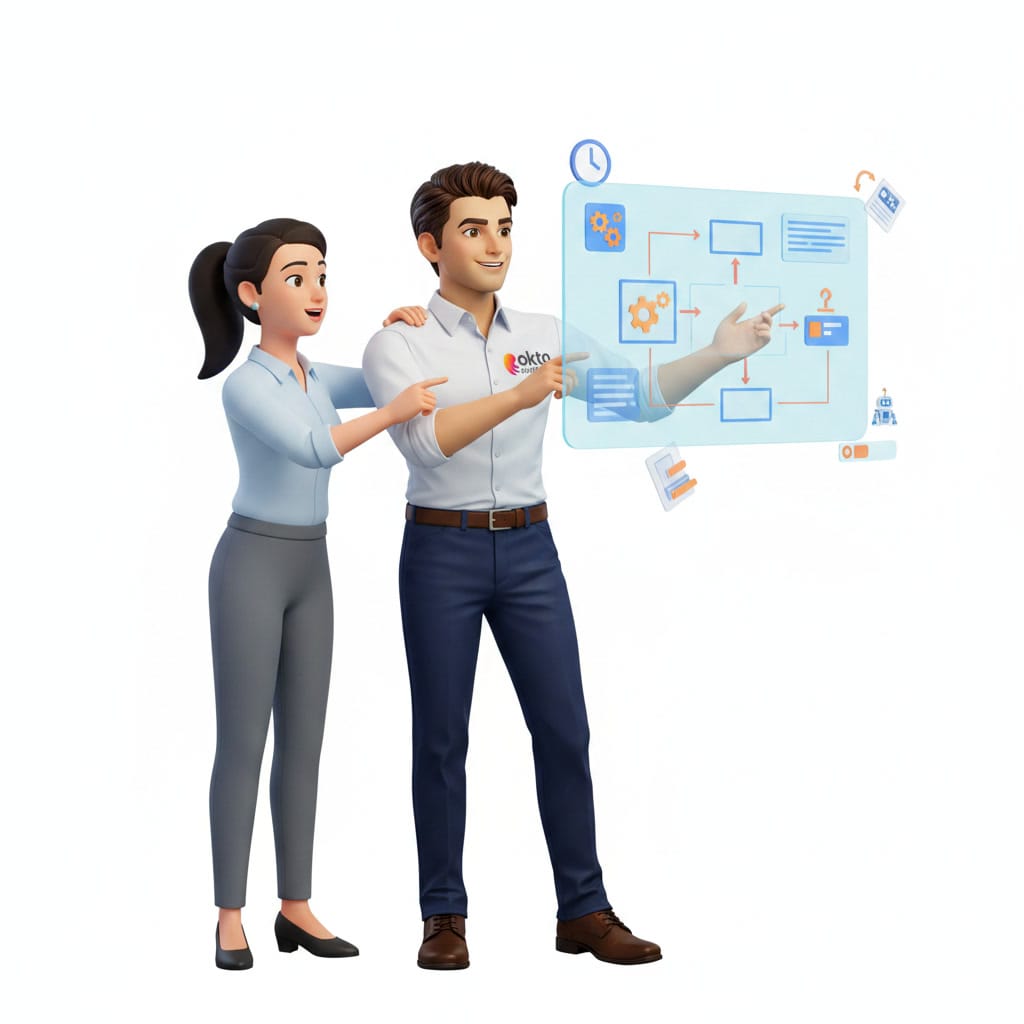
Microsoft Build 2026 AI Agents: What Changes for Your Business

On June 2, 2026, Microsoft held its annual Build conference in San Francisco. The headline announcement: AI agents become the default way of working in Microsoft 365. This is no longer an optional feature or a pilot project reserved for large enterprises. It is a fundamental shift that lands squarely on Quebec businesses already using Word, Excel, Teams and Outlook every day. Here is what was announced, what it means for your team in practice, and why acting now beats waiting.
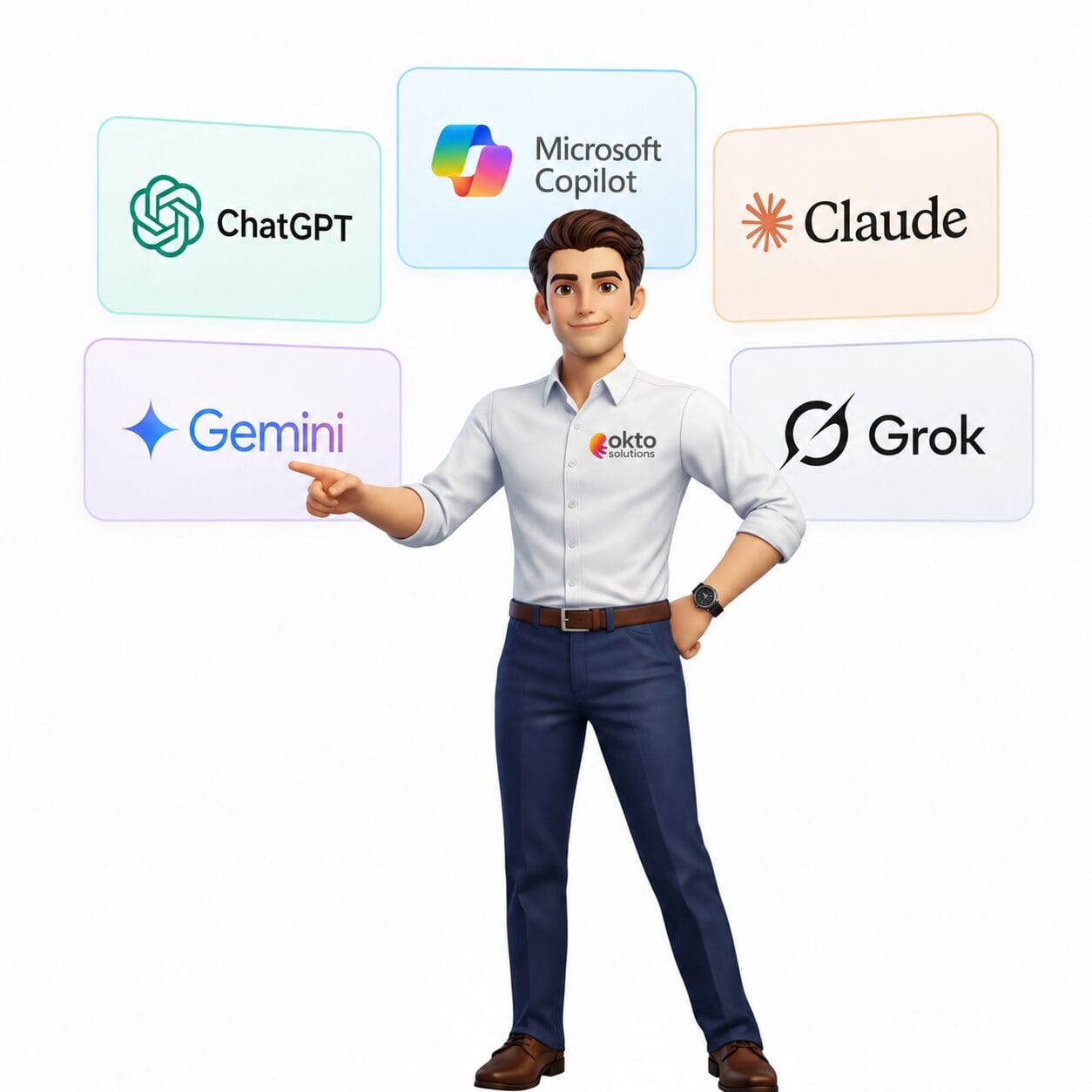
Quick answer: The AI agents shown at Microsoft Build 2026 automate complete tasks (customer service, reports, workflows) rather than producing single answers. For smaller companies, they promise to automate a much larger share of day-to-day business processes.
What exactly did Microsoft Build 2026 announce?
Microsoft Build is the company’s annual conference for developers and technology businesses. This year the central theme left no room for doubt: "The era of passive AI assistance is over." Satya Nadella, Microsoft’s CEO, said that AI agents are no longer a feature, they are the new operating system for work.
Here are the announcements that matter most to small businesses:
1. Agent Mode becomes the default in Office 365 Copilot
The change with the biggest impact: Copilot Agent Mode rolls out in Word, Excel, PowerPoint, Teams and Outlook by the end of June 2026. Unlike today’s Copilot assistant, which answers one question at a time, AI agents can now run sequences of tasks on their own, without you stepping in at every stage.
In practice: you could ask an agent to watch your inbox for client requests, pull out the key details, add them to an Excel file and send you a summary every morning. All of that with no human step in between.
2. Windows becomes a platform for local AI agents
Microsoft announced Windows Local AI, an environment that lets AI agents run directly on your computer rather than going through the cloud. Available in Windows 11 version 24H2 as of June 9, 2026, it uses the NPU chips in newer computers to run agents locally, faster and without sending your data over the internet.
3. Azure AI Foundry for companies that want to go further
For businesses that want to build their own custom agents, Microsoft is positioning Azure AI Foundry as the central platform for developing, testing and deploying AI agents at scale.
4. AgentGuard: governance and security for agents
Microsoft is introducing AgentGuard, a governance layer that controls permissions, prevents data leaks and produces audit logs for every action an AI agent takes. For businesses that handle sensitive client data or that have to comply with Quebec’s Law 25, that is an essential safeguard.
What this changes in practice for a Quebec business
These announcements can sound abstract. Here are concrete examples of what Microsoft’s AI agents will be able to do for a typical small business:
- Handling client email: an agent watches your Outlook inbox, sorts requests into categories, drafts replies based on your usual templates and passes you the cases that need your personal judgment.
- Project follow-up in Teams: an agent tracks tasks assigned in Teams Planner, sends automatic reminders to team members who are behind and produces a weekly status report without being asked.
- Financial reporting in Excel: an agent consolidates your sales data from several sources each week, builds your dashboard and warns you when a metric drifts outside its normal range.
- Onboarding new employees: an agent walks each new hire through the onboarding steps, shares the right documents, schedules the training sessions and confirms that every step is done.
- Preparing quotes: an agent gathers relevant details from your past projects in SharePoint, drafts a first version of the quote in Word and hands you the document for final review.
The key difference with today’s AI: you no longer have to trigger each action by hand. Agents work continuously, in the background, following the rules you set.
Why this matters for Quebec businesses right now: according to Microsoft, companies that adopt AI agents in the first 12 months of a major technology wave gain a meaningful competitive lead over those that wait. Large enterprises already have teams working on these deployments. Smaller businesses that move now close the gap.
Does this work with my current Microsoft 365 subscription?
That is the question most business owners will ask. The short answer: partly yes, with some important caveats.
- Basic Copilot Agent Mode: available to existing Microsoft 365 Copilot subscribers, with the rollout planned for the end of June 2026.
- Advanced autonomous agents: these run on a consumption model (Copilot Compute Units) with a free monthly allocation included. Heavy use generates extra charges.
- Windows Local AI: free with Windows 11 version 24H2, but it requires a recent computer with an NPU chip (Intel Lunar Lake, AMD XDNA, Snapdragon X Elite). Older devices are not compatible.
- Azure AI Foundry: requires a separate Azure subscription, and it is more relevant to businesses that want to build complex custom agents.
The first step for any business is to check its current Microsoft 365 subscription and the state of its IT environment. A quick audit tells you what is already available and what would need an upgrade.
Three questions to answer before deploying AI agents
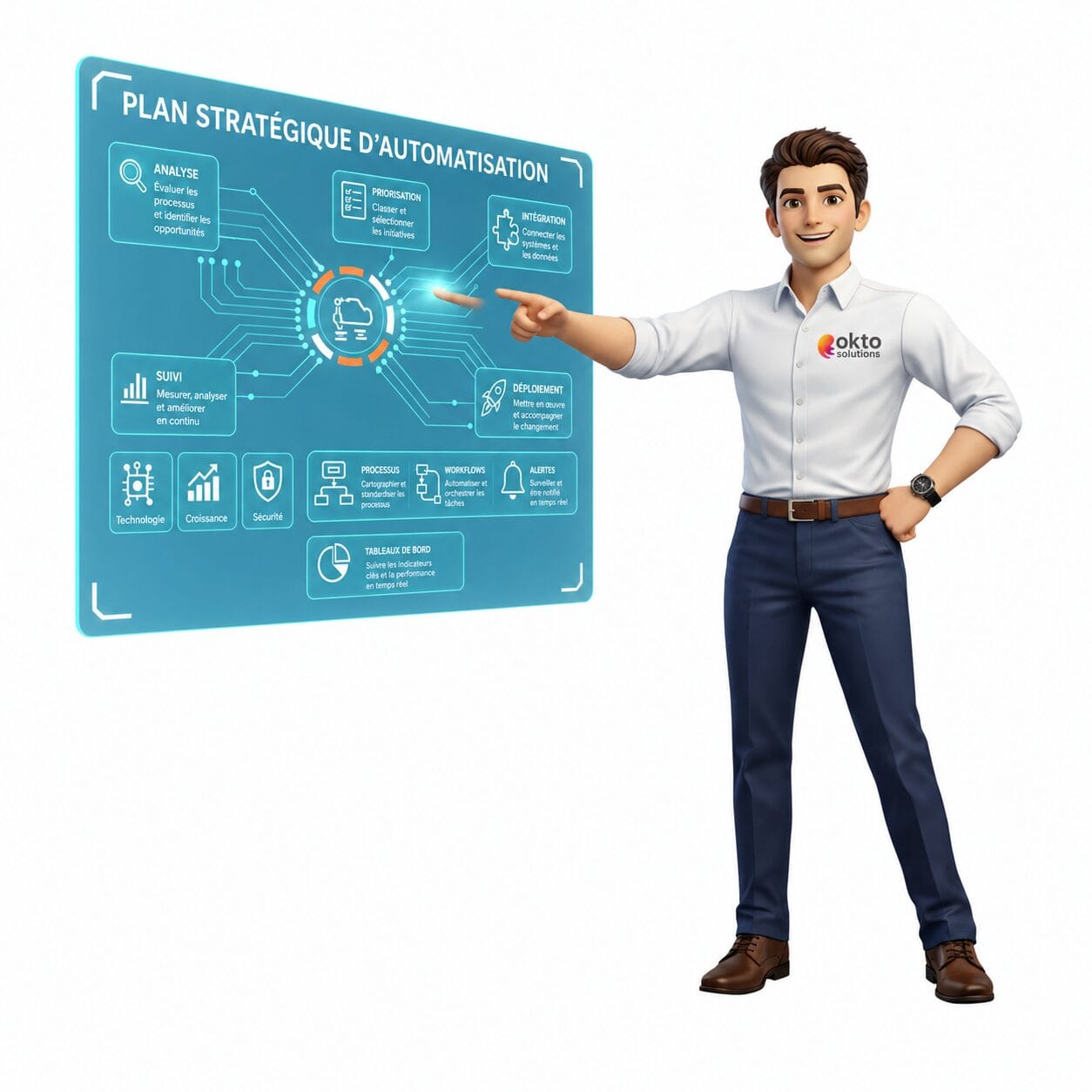
Before you start, three strategic questions are worth some thought:
- Which repetitive tasks cost your team the most time? AI agents give their best results on structured, repetitive work: processing email, consolidating data, generating reports, tracking tasks. Identify your three biggest time sinks.
- Is your data well organized? An AI agent is only as good as the data it can reach. If your files are scattered, badly named or stored in inconsistent formats, the agent will not get far. Moving to SharePoint and OneDrive is often a prerequisite.
- Are your permissions and security in order? Microsoft’s AgentGuard handles agent governance, but your underlying configuration has to be clean: MFA turned on, permissions clearly defined, access policies in place. An AI agent misconfigured with overly broad access creates security risk.
Where to start with Microsoft AI agents in your business
The good news: you do not have to deploy everything at once. A gradual approach is not only possible, it is the one to use. Here is a sensible sequence:
- Step 1: audit your current Microsoft 365 environment: licences, security configuration, file organization.
- Step 2: identify two or three priority use cases where AI agents would pay off fastest.
- Step 3: deploy the first agents in a controlled setting with a small group of users.
- Step 4: measure the gains, adjust the rules and extend the rollout to the whole team.
This approach shows concrete results quickly without disrupting the rest of your operations.
Frequently asked questions about Microsoft AI agents for businesses
Are Microsoft’s AI agents available in French?
Yes. Microsoft 365 Copilot and its AI agents work fully in French, including Quebec French. The Copilot Agent Mode rollout planned for late June 2026 will be available in every language Microsoft 365 supports, French included.
Do I need to change my Microsoft 365 licence to get AI agents?
Not necessarily. If you already hold a Microsoft 365 Copilot licence, Copilot Agent Mode is included in the late June 2026 rollout. Advanced features and heavy autonomous agent use fall under a consumption model on top of that. An audit of your current licences tells you exactly what is already available to you.
Can AI agents make mistakes or bad decisions?
Yes, like any technology. That is why Microsoft introduced AgentGuard, a governance layer that watches agent actions and keeps an audit log. AI agents are designed to work under human supervision, not to replace human judgment on important decisions. Setting the rules and permissions correctly at the start is what makes the results reliable.
OKTO Solutions supports businesses in Trois-Rivières, Montreal, Quebec City and across the province in evaluating and deploying new Microsoft technologies. Whether you want to understand what AI agents could do for you or start a first deployment, our team is available to guide you. Have a look at our Microsoft 365 and AI services for businesses or get in touch for a first conversation with no obligation.
To dig deeper, see the Microsoft Copilot and AI agents documentation on Microsoft Learn.
Sources: Microsoft Build 2026 official keynote (news.microsoft.com) | Microsoft 365 Blog: Copilot Human Agency (microsoft.com/microsoft-365/blog) | Microsoft Copilot Studio: April 2026 Updates (microsoft.com/copilot)
Reading about AI is one thing. Connecting it to your own data is another: artificial intelligence in business, custom AI application development and our IT services in Quebec City.